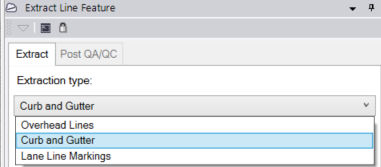
Hey TBCers! If you are extracting curb and gutter line features from a point cloud and need to handle varying profiles along your route, like driveways, pedestrian walkways, or inlets, here is a critical tip for using the Curb Pattern option in Trimble Business Center. This feature allows you to define multiple cross-section templates and seamlessly switch between them without abandoning your continuous linestring extraction.
1. Define Your Initial Curb Template
-
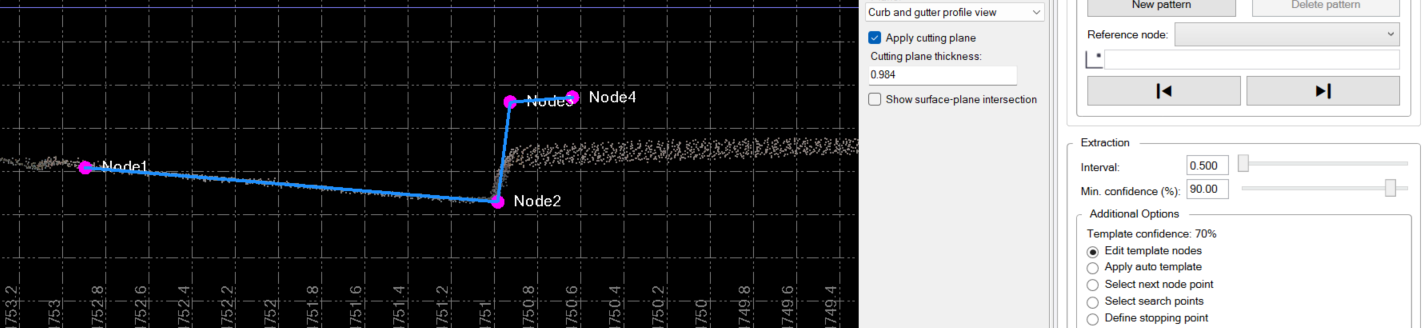
Define your cutting plane and select the scan points in the Cutting Plane View to place your initial nodes (e.g., edge of pavement, gutter, top of curb, and back of curb).
2. Run the Automatic Extraction
-
Set your Interval distance and Min. confidence (%) level, then click Extract to start the automatic extraction process.
-
The software will extract segments until the curb profile changes drastically (like hitting a flat driveway cut), causing the template confidence to drop and the process to pause.
3. Define a New Curb Pattern
-
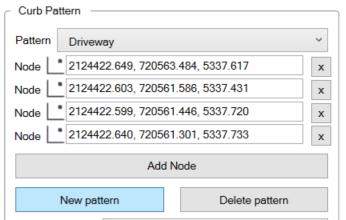
When the extraction stops at the new profile, utilize the Curb Pattern option in the command pane.
-
Click the New pattern button to define the new shape.
4. Resume Extraction and Switch Back
-
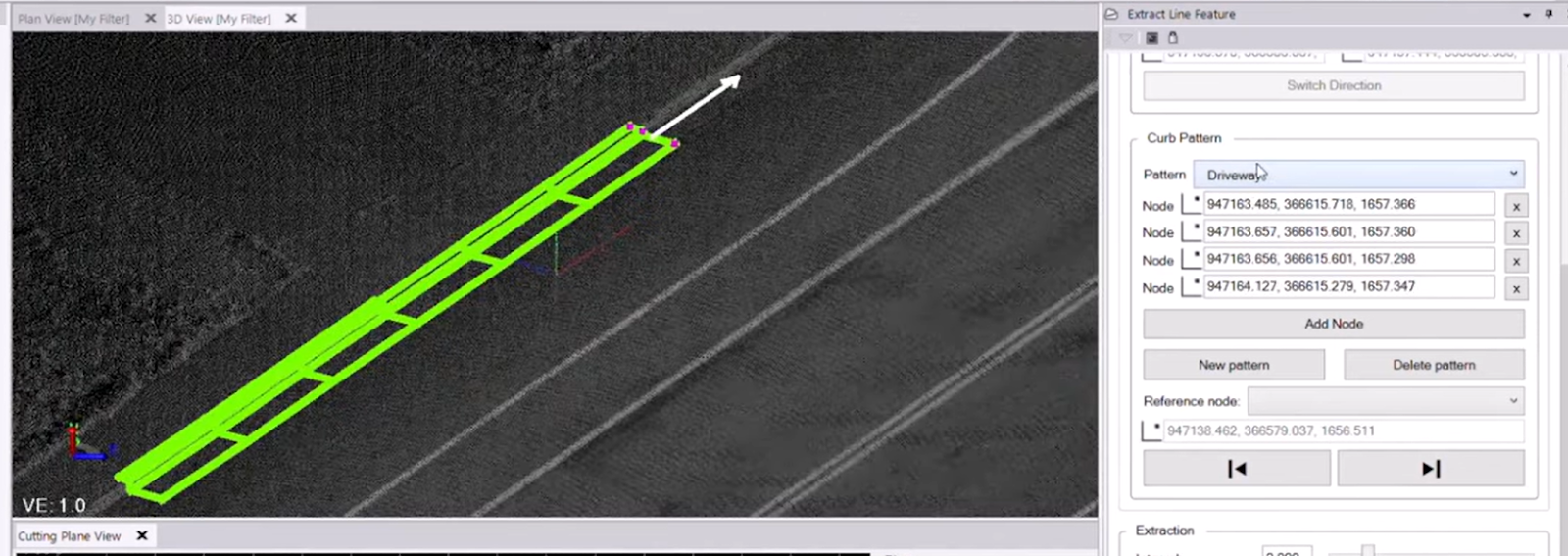
Once you pass the driveway or walkway and the standard curb shape returns, the process will pause again. Simply select your original template from the Pattern drop-down list to switch back, and click Extract to continue down the road.
You’re all set! Maximize your TBC experience and ensure smooth workflows by utilizing learning & support material most aligned with your needs and personal preferences.
To download the latest version of TBC, you can head to https://geospatial.trimble.com/en/products/software/trimble-business-center/download
Complete free self-paced workflow-based courses with hands-on guided software experiences on Learn.Trimble: https://learn.trimble.com/pages/422/trimble-business-center-tbc