Hi all,
I would like to report the following problem with construction display in Trimble Connect web. Fo further details please have a look at picture 02.png. The problem is caused by large coordinates. The display is not ok, even if I use Positioning funkcion. The only possible way how to solve it is to change the position of the construction in the original file, which is not always possible.
thxPavel
Hi Pavel,
Thank you for reporting this. We are working to fix this issue.
If you need to work with such models, please try Trimble Connect Desktop. Large coordinates should work there.
Best regards,
Marko Myllymaa
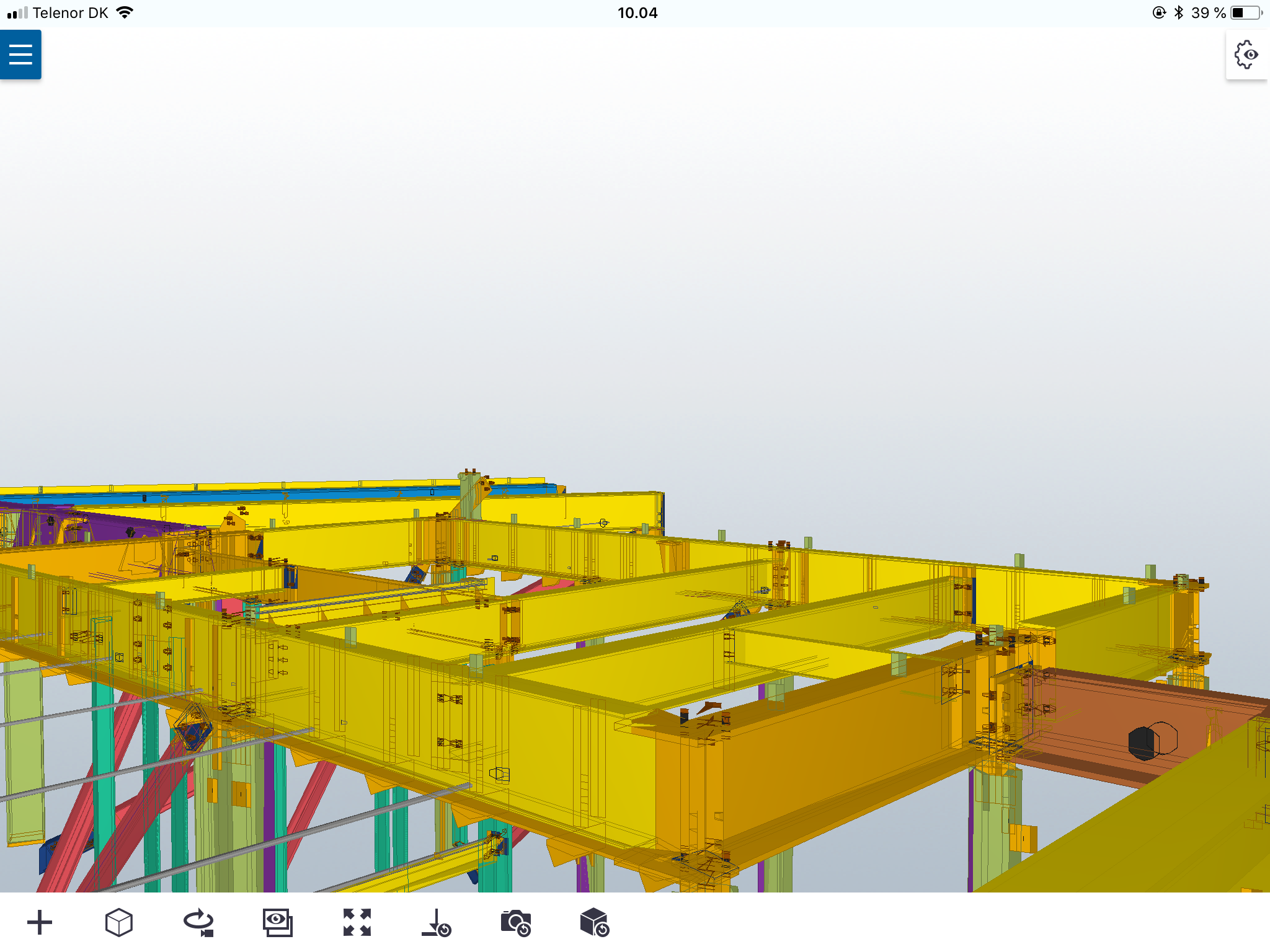
I'm having the same issue on iPads/iPhone with Trimble Connect app.
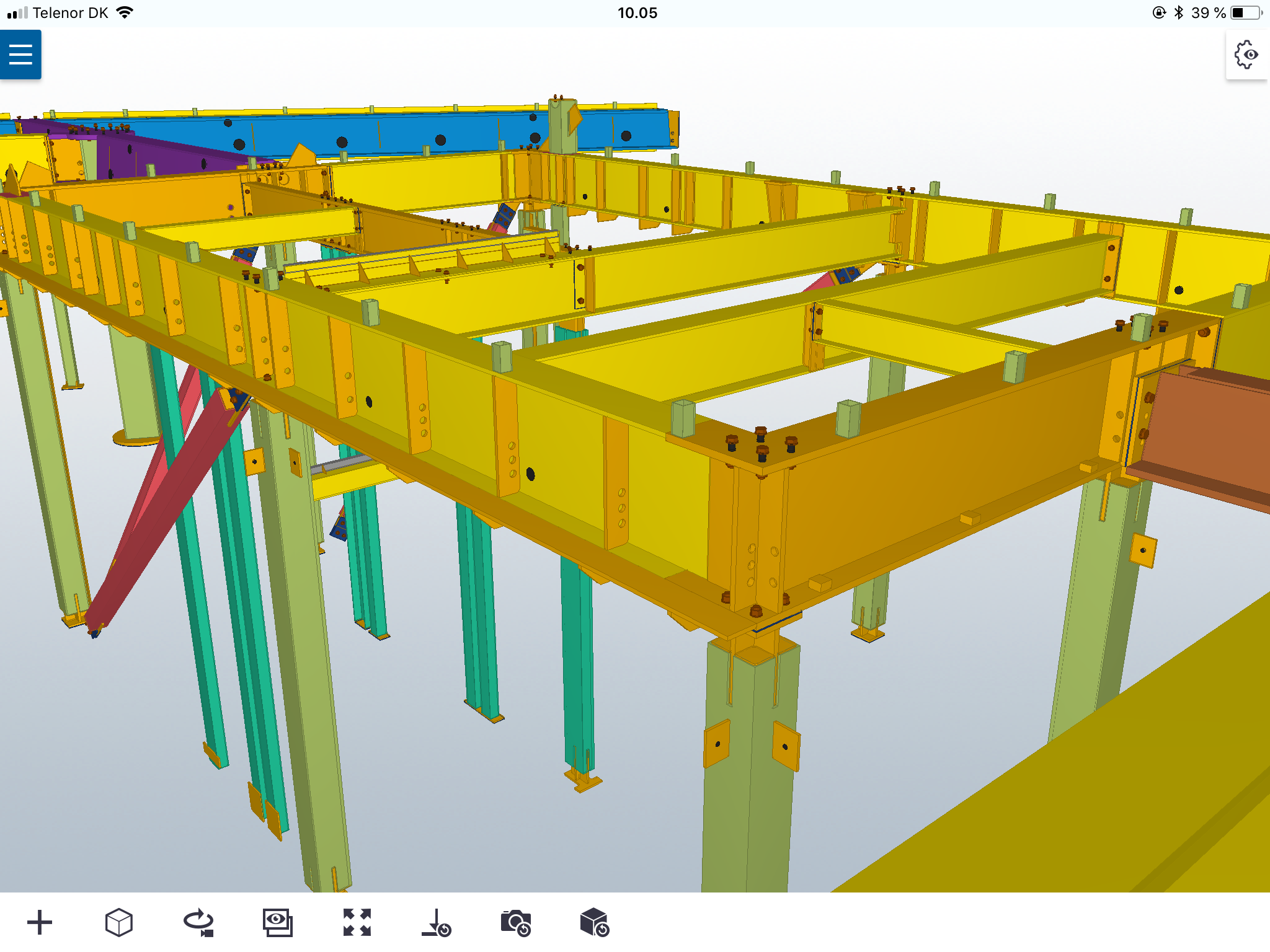
Models with large coordinates messes up the view, but if model is moved to (0;0;0) there is no problem.
Img 1: Large coordinates
Img 2: Coordinates moved to (0;0;0):
Is there any news or time horizon to a possible fix to this issue?
Hi,
We recognize this is an important item to be fixed. There is some improvement now with 2.6 - with respect to measurement precision. We will keep you posted on the latest updates.
Regards
Darshan