Hi Thomas,
It seems that your colleagues have issues with installed import plugins. Please check following on their computers:
-Check version of installed IFC import plugin from "Add or remove programs" list.
If you don't see IFC plugin or if it's version is lower than 5.3, then do this:
-Download "Fix it" tool from Microsoft using this link:
https://support.microsoft.com/en-us/topic/fix-problems-that-block-programs-from-being-installed-or-removed-cca7d1b6-65a9-3d98-426b-e9f927e1eb4d-Run that and solve issues on uninstalling on IFC import plugin.
-Reinstall Trimble Connect for Windows
Please let me know if this helps.
Best regards,
Marko Myllymaa
Original Message:
Sent: 11-01-2022 23:23
From: Thomas Bøhlerengen
Subject: Failure to convert IFC files in Windows Desktop version
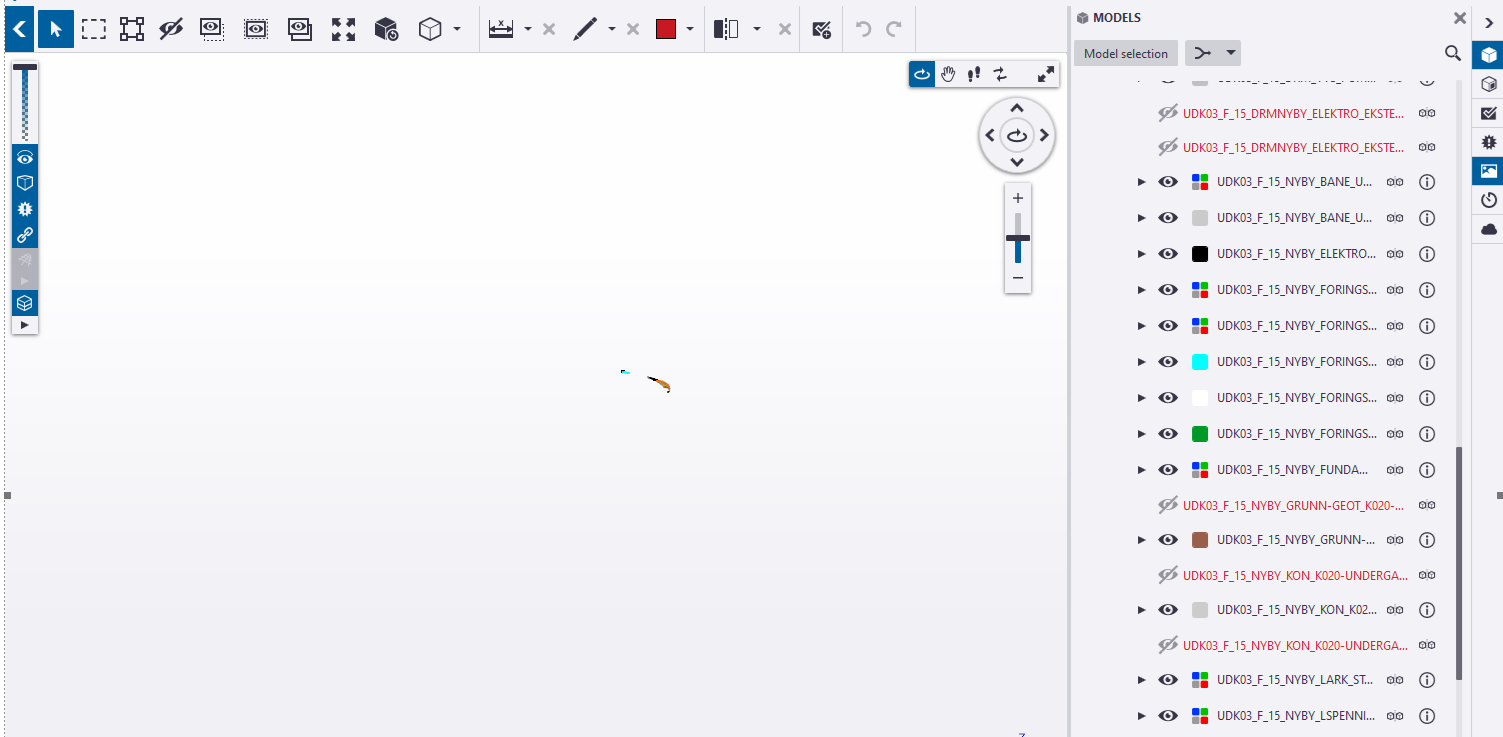
We are extending our use of Trimble Connect on our projects. One returning issue that is a major problem for us is that for some of my colleagues the Trimble Connect Desktop version fails to convert multiple IFC files everytime we upload new files. If I open them in my Trimble Connect Desktop version all of the files are converted and all works fine. We are using version 1.16.0.388.
What are causing this to happend? Does anyone have a solution to this problem?

------------------------------
Thomas Bøhlerengen
------------------------------