Hey Tex,
Great to see you using the extension.
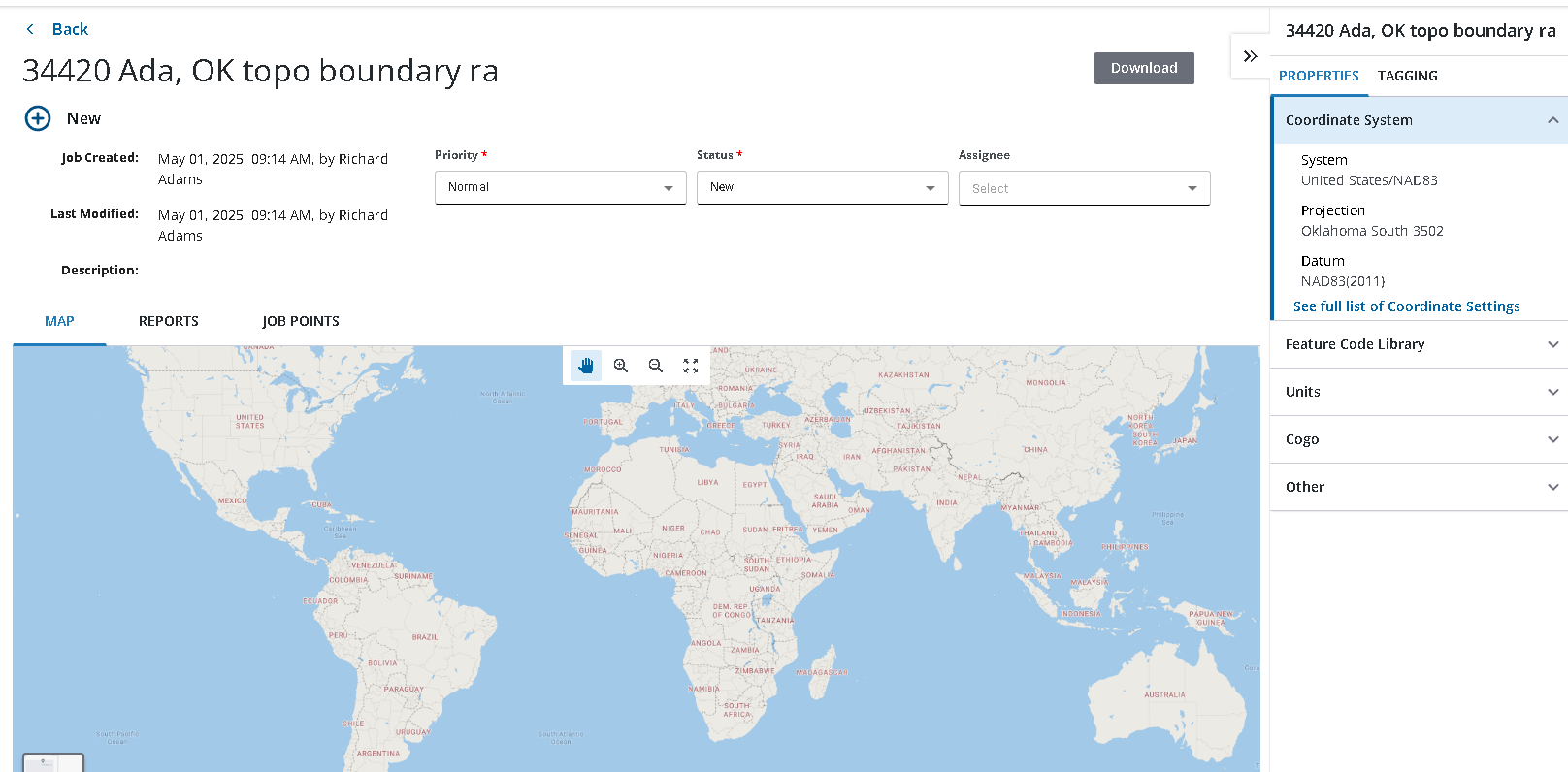
At the moment the points only show up on the map view when the status is either in progress or Field work complete, Try change the status in trimble access or in the extension and wait a short time for the jobs to process to get the points onto the map.
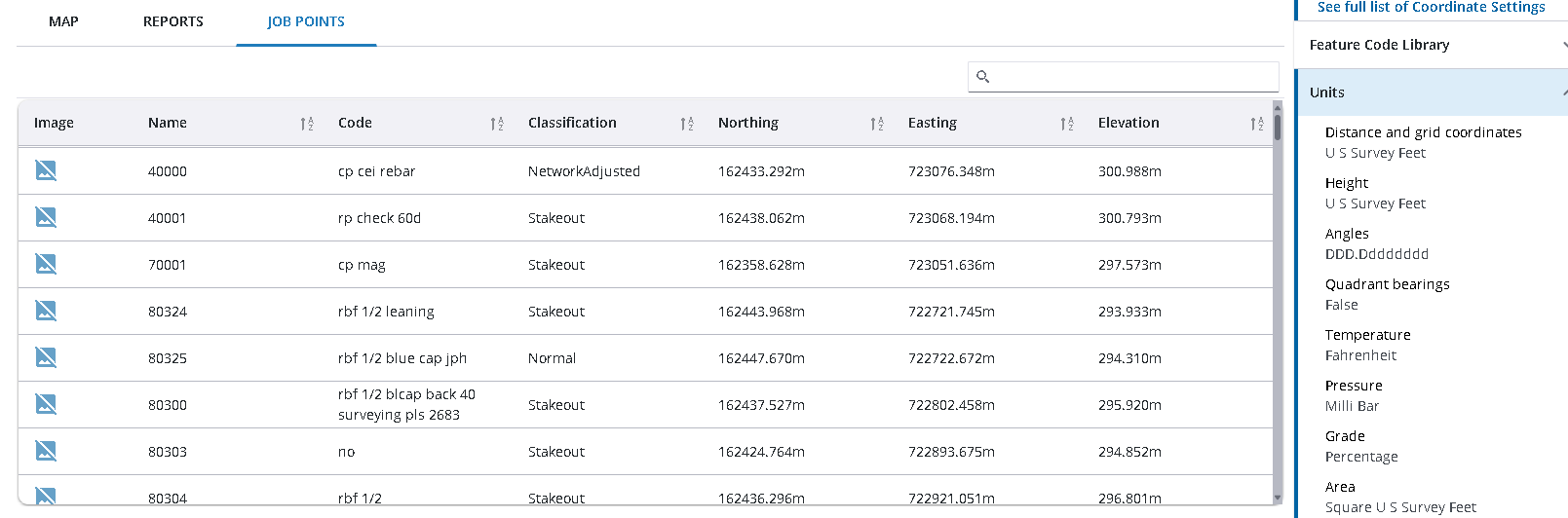
Currently we only show the point list in meters, we actively working on the extension and will keep pushing out improvements.
Thanks for your feedback!
------------------------------
Luke Johnson
------------------------------
Original Message:
Sent: 05-07-2025 05:37
From: Tex Barnett
Subject: How do I view field data and change other CONNECT settings?
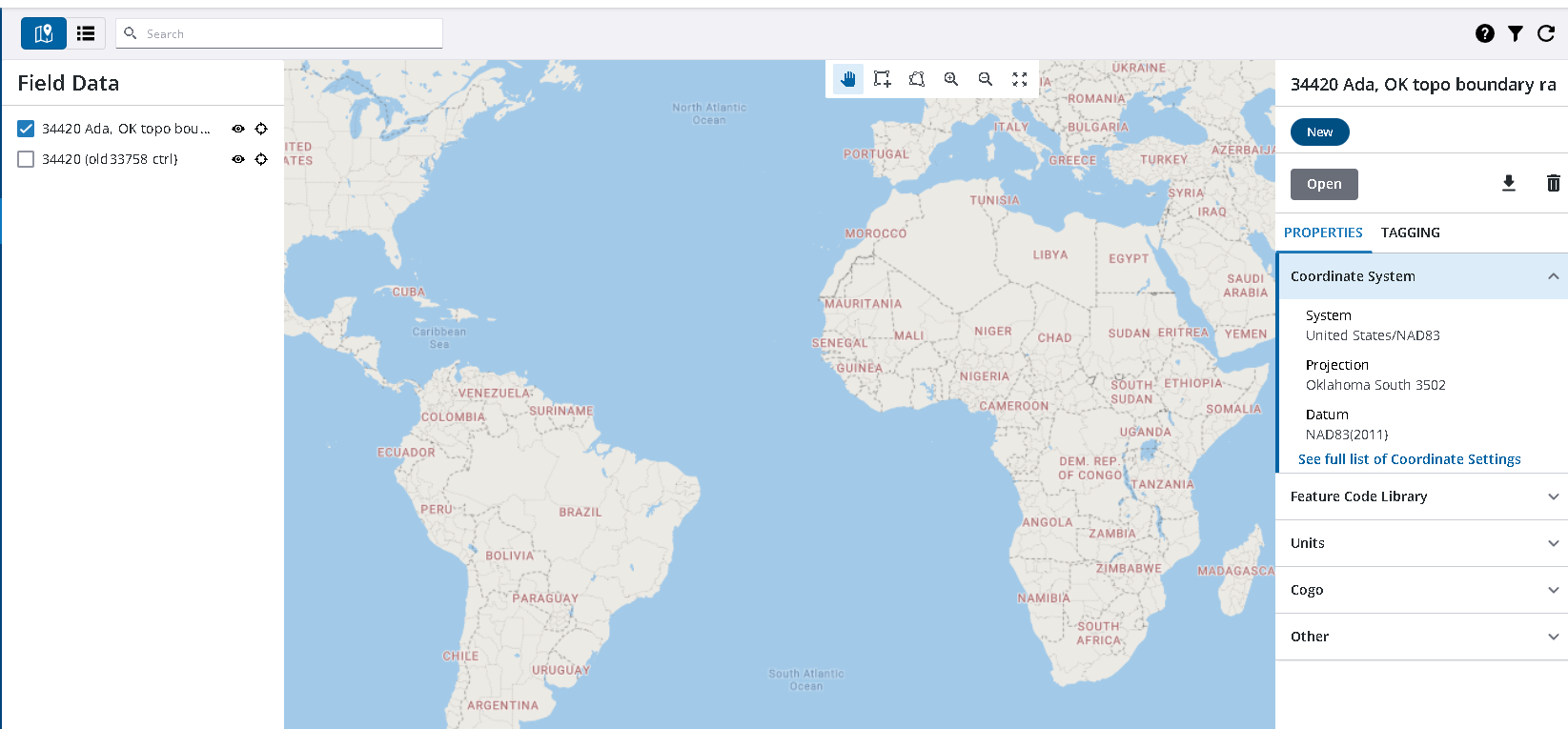
I'm using the Trimble Connect web browser on Microsoft Edge, and I cannot ever view the field data. I have turned on the Field Data extension, I then go to the map and check the job, but nothing shows up on the map. I can view the points, coordinates, and attached images though.
A few questions I hope can be answered: 1. How do I view the field data on the map? 2. How do I display my coordinates in feet? 3. How do I sort my points by the Image column. I would like to utilize these things so the office can help the field without using a TBC license.
------------------------------
Tex Barnett
------------------------------