Trimble Connect User Forum

 View Only
Expand all | Collapse all

Subfolder not opening in TBC Connected Workspace

  • 1.  Subfolder not opening in TBC Connected Workspace

    Posted 09-23-2025 22:24

    My team on site has done scanning using Trimble SX12 Scanning Total Station.

    He has created a "Subfolder" under the main Project.
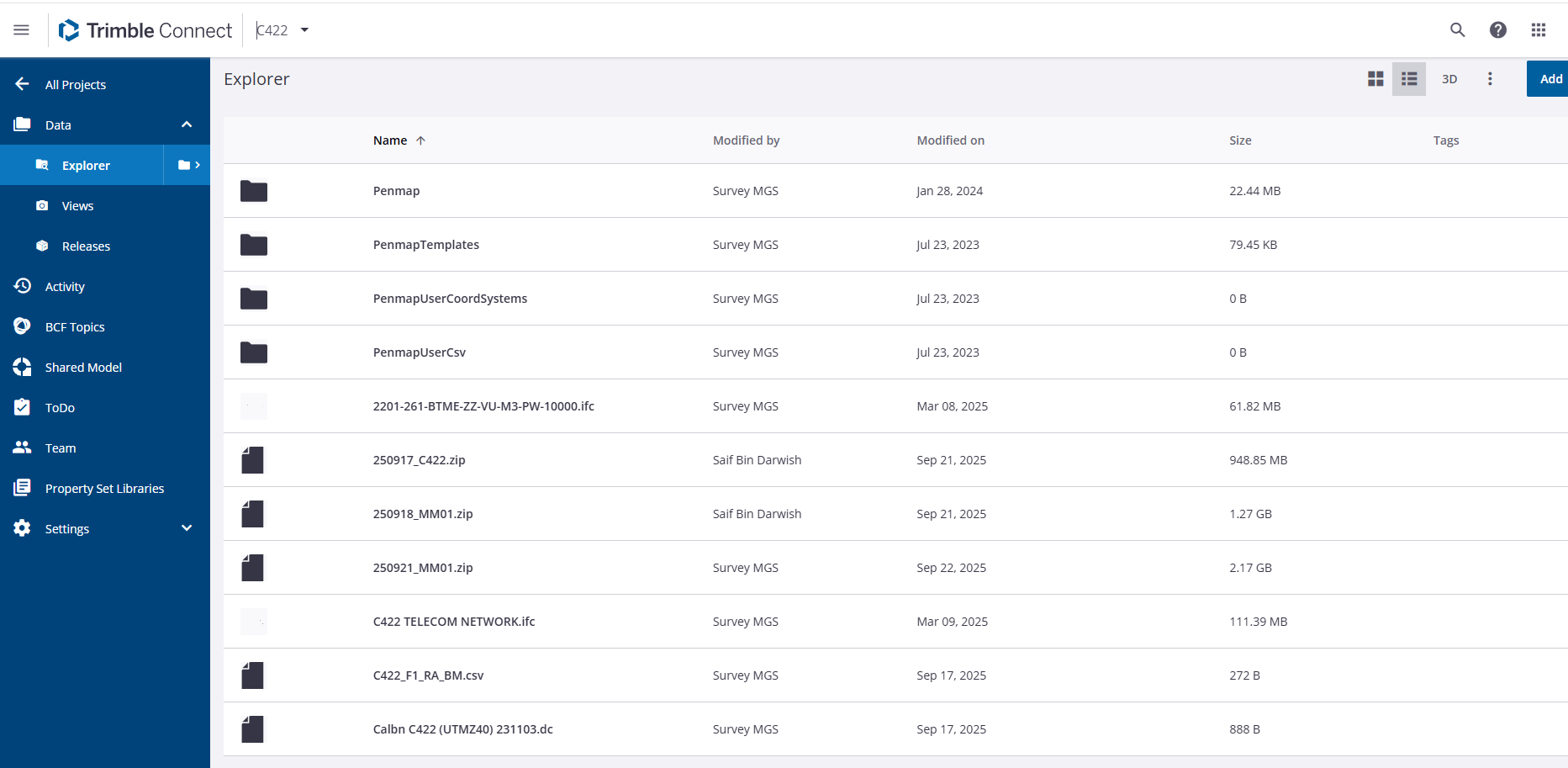
    He has saved the zip file from his scan job into this subfolder.

    I am now opening the Project in my TBC and trying to "Import" the zip file into a TBC job. The folder does not open and provide access to me to import the desired file.

    As a workaround I go to the Trimble Connect Web where the folder opens. I "Move" the zip file outside the subfolder. Return to Connected Workspace in TBC. Refresh. I can now access the zip file and import.

    I am using TBC 2025.10 version.

    This is tedious and waste of time.

    Any solution please or is it a bug that needs to be handled by the programmers?

    Thanks.


    ------------------------------
    Saif Bin Darwish
    ------------------------------


  • 2.  RE: Subfolder not opening in TBC Connected Workspace

    Posted 10-06-2025 04:43

    Hello Saif Bin Darwish,

    I believe that you are using Trimble Access to collect the scan data.
    Field Data is not currently expected to be uploaded to or visible in the Connect Project Explorer.

    The expected workflow is that you would upload the job and all related field data to Connect directly from Trimble Access.
    https://help.fieldsystems.trimble.com/trimble-access/latest/en/job-management.htm

    In TBC Connected workspace you would interact with the job through the Field Data tab 


    To view the jobs in the Connect web browser you would need to enable the Field Data extension (Note this does not display scan data on the map)

    Regards

    Chay


    ------------------------------
    Chay Froggatt
    ------------------------------