Trimble Connect User Forum

 View Only

 Can't open my SketchUp

Mladen Kostesic's profile image
Mladen Kostesic posted 10-19-2022 03:56
Today I tried to open my Sketchup Pro app (as I routinely do for the past 2 yrs), but when attempting to sign in I get stuck with the "Launch Browser Again" prompt:


I also signed in directly over the browser to Trimble Connect, but it makes no difference, SketchUp launch can't get past this screen. I checked, the licence is active. I have an ongoing project to work on, so this is quite urgent.
Darshan Rajaram Kamat's profile image
Darshan Rajaram Kamat
Hi Mladen,
Opening skp files from Trimble Connect works fine. We checked on couple of test files and they are loading fine in Sketchup using the "Edit in Sketchup"  from Trimble Connect for Browser's file detail panel .
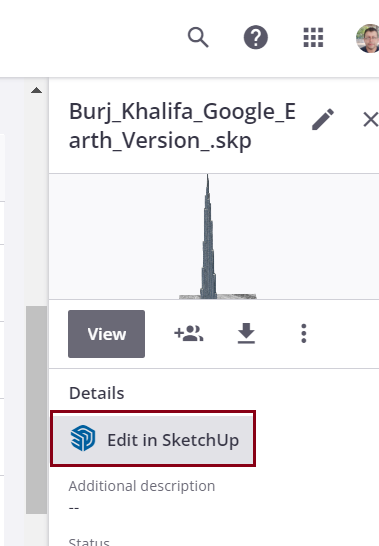
Could you please try it out. If the issue persists, please get in touch with Sketchup Support

Regards
Darshan Kamat