Question:
How does the Station & Offset Report work?
Answer:
The Station & Offset Report is a sampling report that uses an alignment (imported .SVL file) centerline to determine a linear segment of a (typically roading) project to sample Quality Metric data for, as you request. The Station & Offset Report respects all filters.
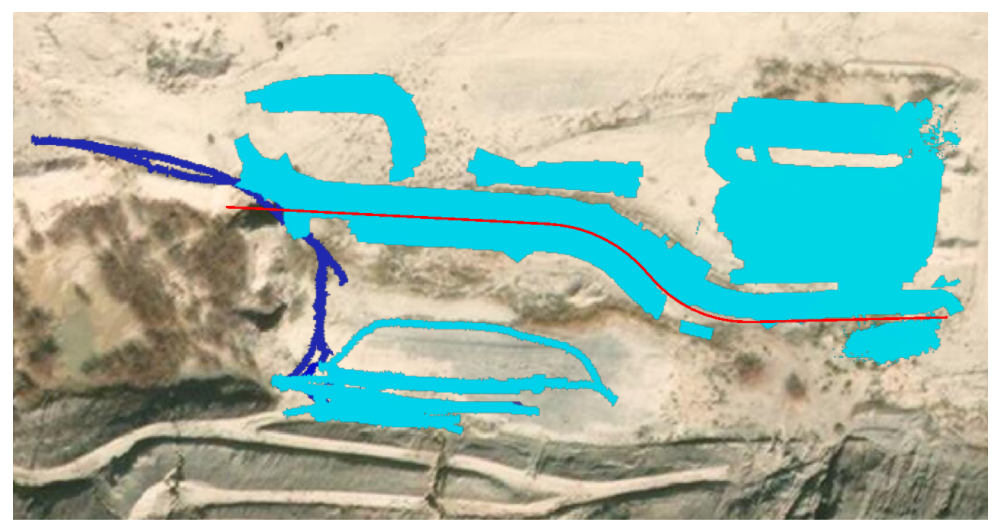
Example: Below is a project's Elevation Data with an Alignment File (red line) present.
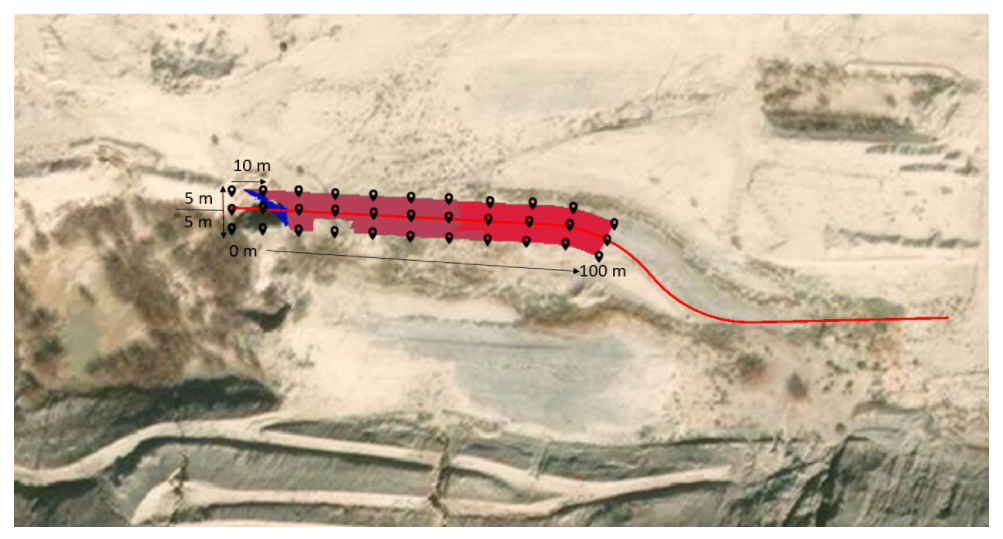
If a Station & Offset Report is run for this Alignment File with a Stationage range of the first 100 m, a (sampling) cross-section interval of 10 m and Offsets of 5 m left and right of the centerline, then below are the sampling points for that report.
Note: Samples also taken on the centerline of the alignment, so the report would give 3 series of sampling left, right and center (as pictured).