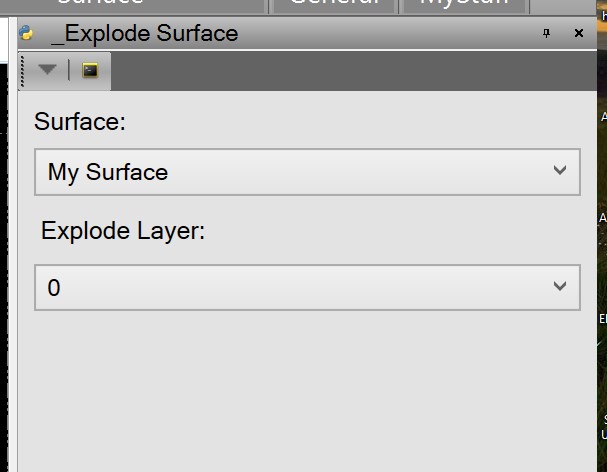
Simple TML to explode a surface into lines and "cad points". The lines are attached to the cad points by reference so if you move one of the points, all the lines connected to it will move.
Attachment(s)
Ok, thanks for the reply. I'm sure I'll find a use for the different options in the macro eventually. Really appreciate this forum and being able to tap into the wealth of knowledge here.
I don't think this would quite do that. You would still need the bottom and that would likely be a sharp break too.
Is there any way to limit the slope change to be smaller than the input value? I'm trying to remove the all the TOC's on a surface I have, then make a surface out of the remaining triangles. Do you think this macro would be able to accomplish that?
If you don't check the option to limit exploded lines to sharp breaks in surface, then you will get a line at every triangle edge. Useful when you have a TTM type surface and you need to make small edits.
If you check the "Only at slope break" option, then the macro looks at each triangle edge and compares the change in slope from one triangle edge to the adjacent triangle. If the slope change is larger that the user defined "Break Angle", then the line is created, otherwise not.
I see there are "Only at slope break" and "Break Angle" options with this TML. I haven't been able to figure out how to utilize these commands. How do these commands work?