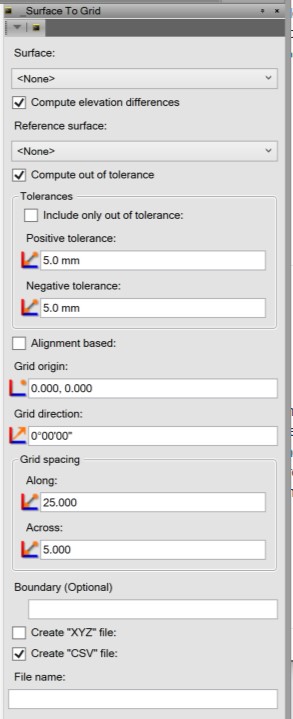
This TML will compute grid locations from a specified surface and write either (or both) an *.xyz file or a *.csv file. This can be useful for reporting purposes or to reduce the number of points in a surface.
An optional boundary can be specified. In this case, only grid points located in the boundary are computed. If an *.xyz file is created, the user is giving the option to import that as a point cloud. If a simple file name is supplied (no path defined), the file will be created in the project subfolder.
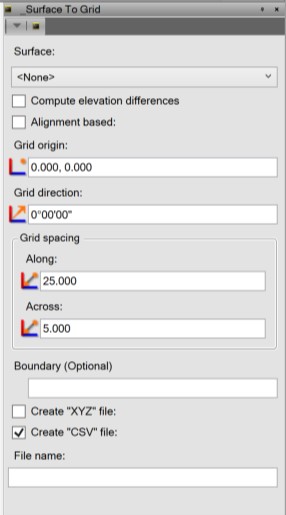
An option to compute the grid based on an alignment is available. When this is checked, the UI changes a bit. The grid locations are computed based on the station and offset to the defined alignment.
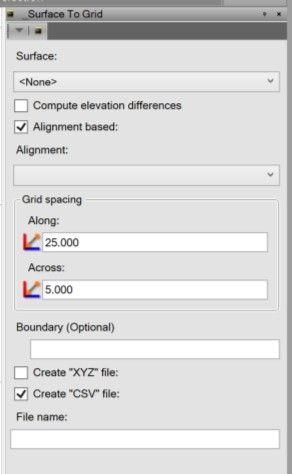
There is also an option to compute delta elevation between the specified surface and another reference surface. In this case, the computed elevation is the difference between the two surfaces. When computing the delta elevation between the two surfaces, you can restrict the points to elevations that fall outside the defined tolerances. When using this option, a rough volume is reported (just using average grid size time delta elevation)