TBC Macros and Extensions

 View Only

Quickly Reverse Line

By Peter Kistler posted 10-22-2019 13:46


Simple command to allow the user to quickly reverse the direction of a Linestring or CAD 3D Polyline without having to go into Edit.

FYI, If you have TBC 5.2 or later you will seeing a "dancing arrow" on the line which indicates the direction of the line.
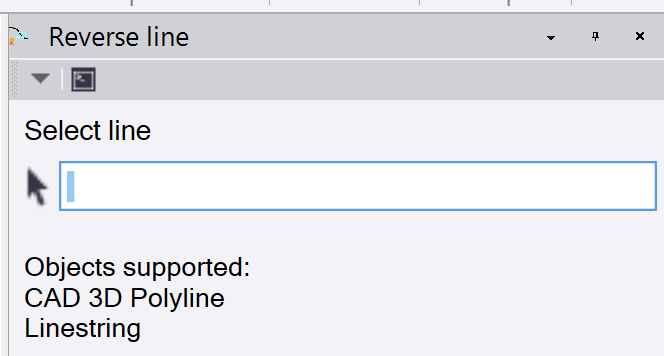
 

Reverse Line Command UI

  • Select the line to modified.
  • Press OK or click on the line again to reverse the line
4 comments
18 views

Permalink

Comments

11-22-2019 08:27

I created a 30 day license for you.  You should have access to all Rockpile Solutions TMLs now. Pricing can found on the Rockpile Solutions website under Toolboxes.  Let me know if you have any questions or problems.

Peter,     I would be interested in the 30 day license, what is the cost of the license?


Sent from Mail for Windows 10

11-21-2019 10:43

You need to install TMLStatus if you have not already.  Once installed, you can select "Reverse Line" and / or "Show Direction" and press "Update" to install those TMLs.  You will need a license to run those and any other Rockpile Solutions TMLs.  I will be happy to issue you a 30 day license which will allows you to use any Rockpile Solutions TML.

how do I get the macro Quickly Reverse Line