Richard
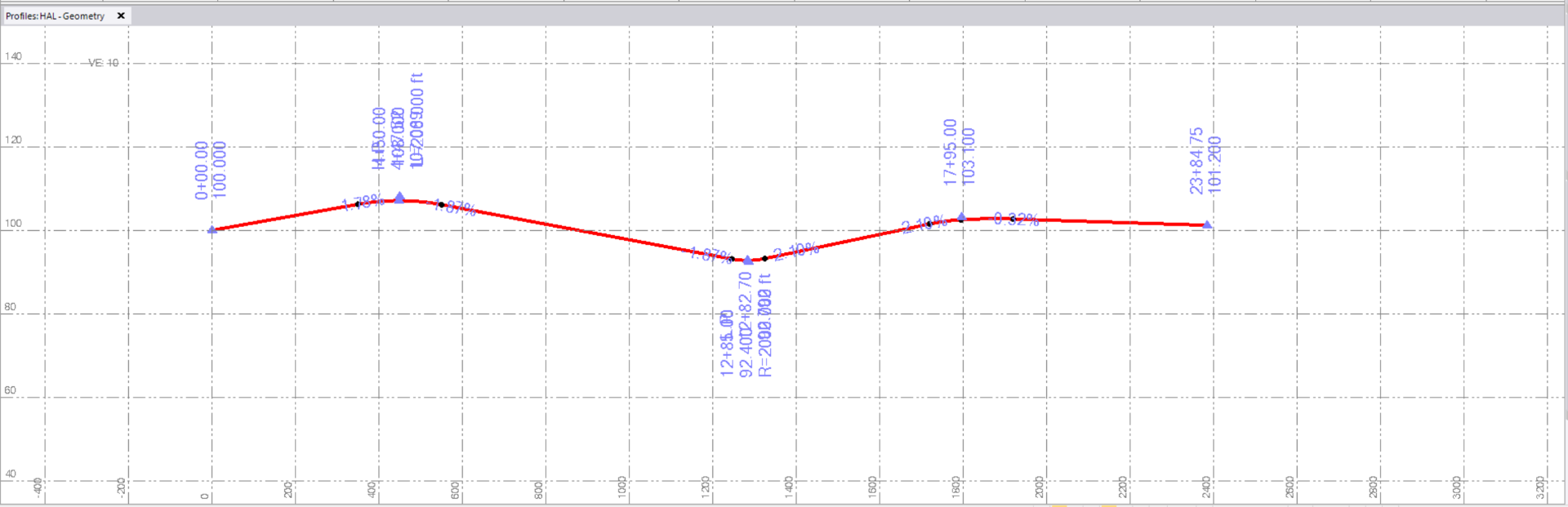
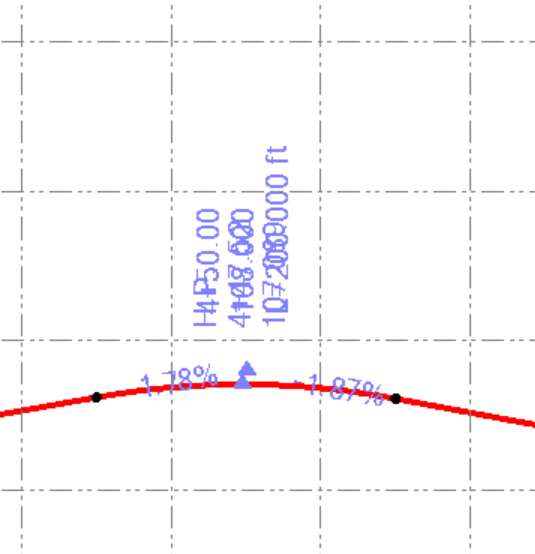
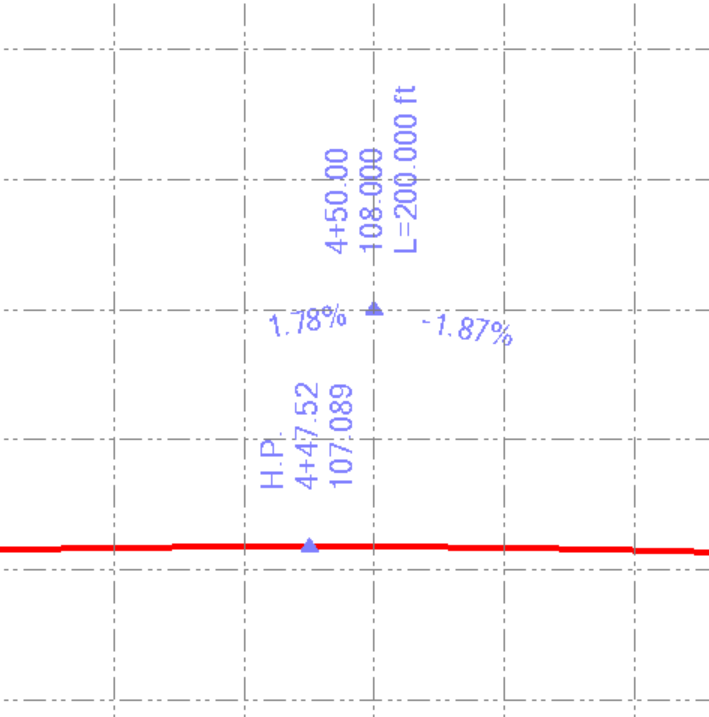
This looks to me like it is displaying multiple pieces of information in the same place - if you zoom in I think you will find that it separates out - Because it is showing you the VPI location, slope in and out and High Point Information at the same location because the way the Vertical Profile is defined here. If you were to plot this you have the ability to label the profile as you want to and that enables you to place the labels where you want them, however where you just show the annotations in the Profile View (they aren't printable labels), they just draw in the defined locations for the High Point and VPIs and will overwrite like this as a result because they change position in relation to the zoom scale and keep the text height so it is readable at any zoom scale - whereas print labels are hard written at a specified size and location regardless of zoom scale. So this is not a bug or a factor of the graphics cache refresh issue. The example below shows that as you zoom in the labeling will separate and become clearer. This is info text only and not intended for drawing creation.