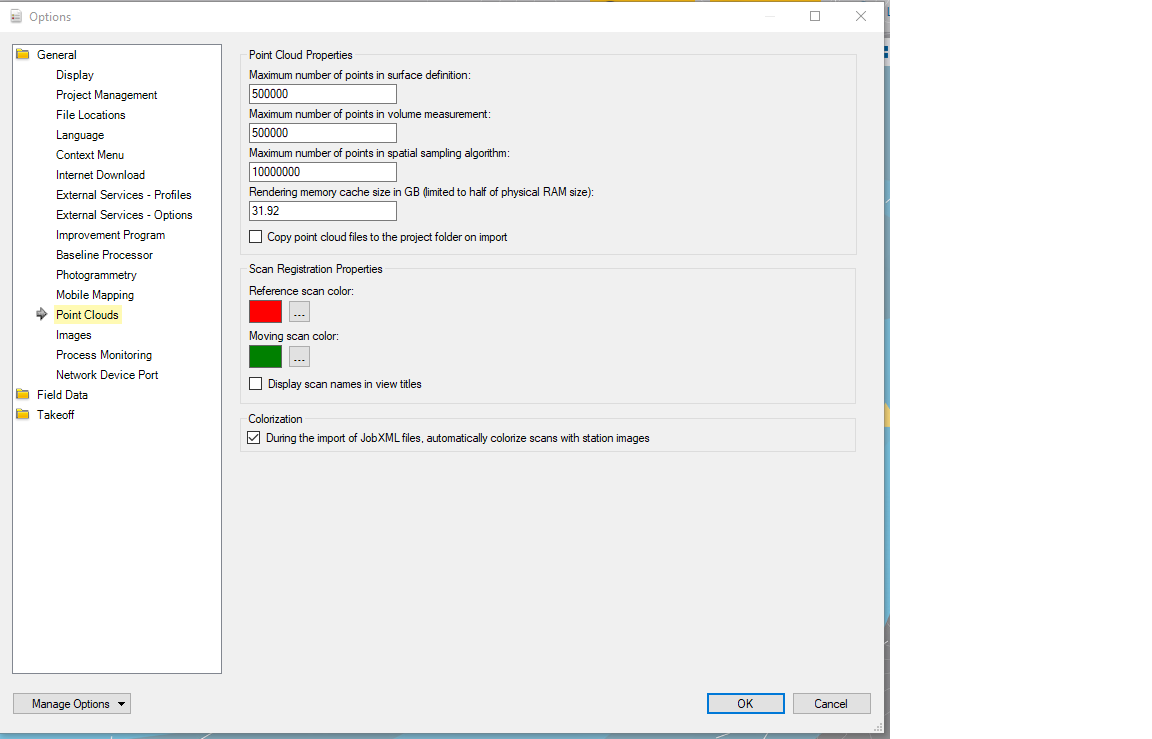
Andrew, try opening TBC and go to the Support tab then open the options. On the Display tab click the Advanced button and try clicking on the Override automatic detection option then select "Direct X 9" from the dropdown. How much RAM does your computer have that you are using. I have 64Gb in mine. If this doesn't work and TBC keeps crashing I would follow the same steps as above except go to the "Point Clouds" tab and in the "Rendering memory cache size" box increase your RAM size to half of your systems total RAM. This might help. The more RAM you allow TBC to use the faster the point clouds will load and the better the rendering will be.