What you're looking at there is a software options menu not a project specific menu.
Have you updated the software mid project?
My suggestion would be open up TBC without a project, just run the base program to get the spash screen as below
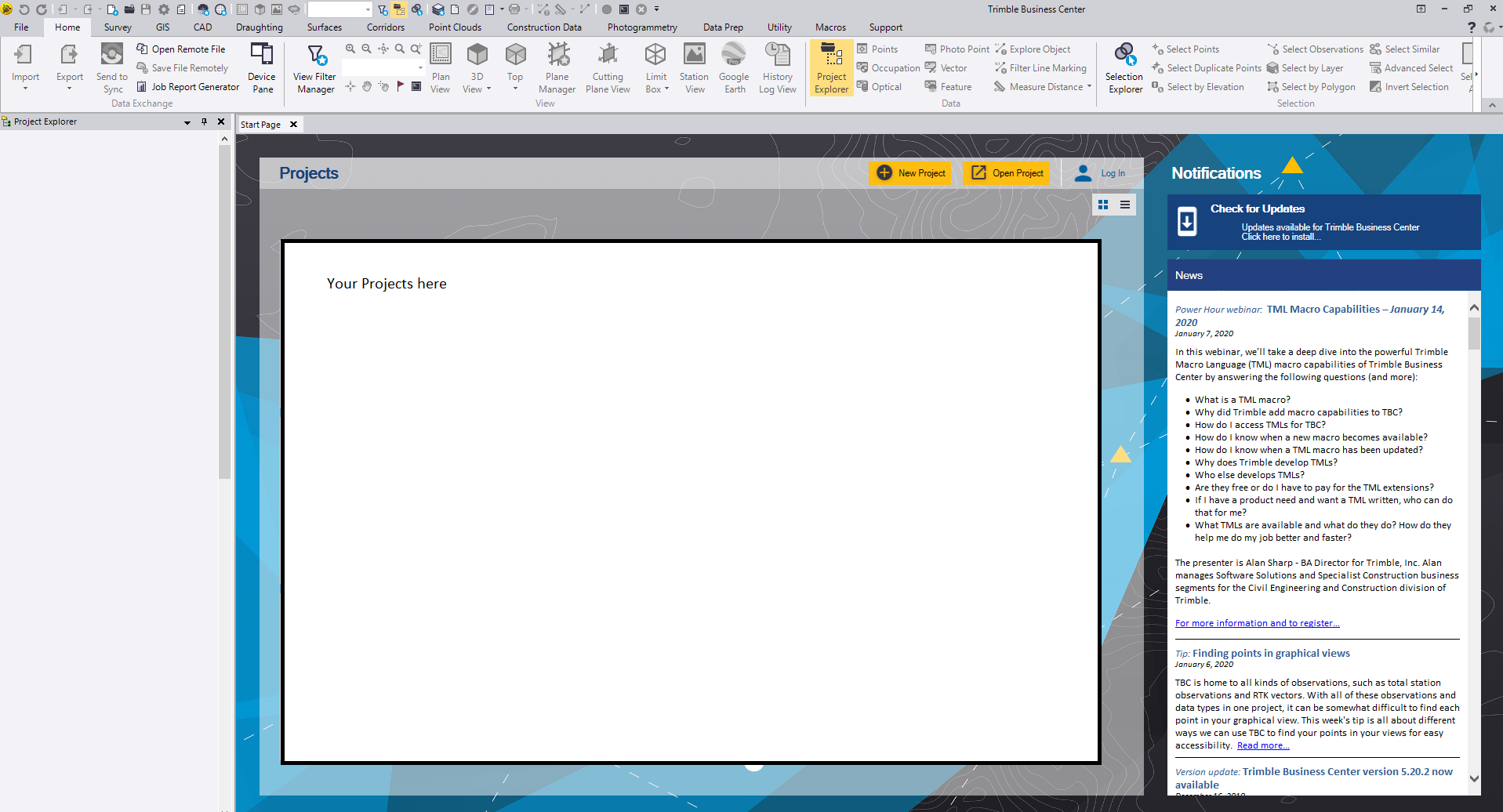
It looks like you originally had the location set at C:\Users\GPS.SLS\Desktop\
So set that back to the project management folder, open and resave your project and that should, hopefully, solve the problem.
You might have to copy some of the intermediate data from the documents folder back to the new folder on the desktop.