Trimble Business Center

 View Only
Expand all | Collapse all

5.10 - Drafting - Sheet View - Refresh is Slow

  • 1.  5.10 - Drafting - Sheet View - Refresh is Slow

    Posted 06-04-2019 05:35

    I have noticed that working in sheet view seems significantly slower with the 5.10 update. About 25 -30s for a change to refresh on a screen. This is working on the sheet not updating the data within a dynaview itself. 


    I have found I have to do a zoom extends to refresh the data helps.


  • 2.  Re: 5.10 - Drafting - Sheet View - Refresh is Slow

    Posted 06-04-2019 09:50

    Are you running the released version of 5.10 or a BETA version?  If you are running the released version, then send me your archived VCE project.


    tim


  • 3.  Re: 5.10 - Drafting - Sheet View - Refresh is Slow

    Posted 06-04-2019 10:00

    Tim,


    I am running on the released version of 5.10.


  • 4.  Re: 5.10 - Drafting - Sheet View - Refresh is Slow

    Posted 06-04-2019 12:58

    After a conversation with Tim, the underlying issue was the georeferenced images in the dynaview.  


    I had to go in to Options/Images/ and change the Georeferenced images from No tiles to Tile with multi-resolution.


  • 5.  Re: 5.10 - Drafting - Sheet View - Refresh is Slow

    Posted 06-04-2019 13:16

    Your file had about 25 images and one of them was 21600x14400 pixels with 24 bits of color.  This image before its tiled consumes 21600x14400x3 bytes = 933.12 megabytes.  Several of these will slow down the system,especially when clipping to a sheet .  When you enable the tiling TBC only loads the image parts as needed at the resolution needed.  For most projects this is the way to go.


    tim


  • 6.  Re: 5.10 - Drafting - Sheet View - Refresh is Slow

    Posted 06-04-2019 13:29

    Thanks again Tim.


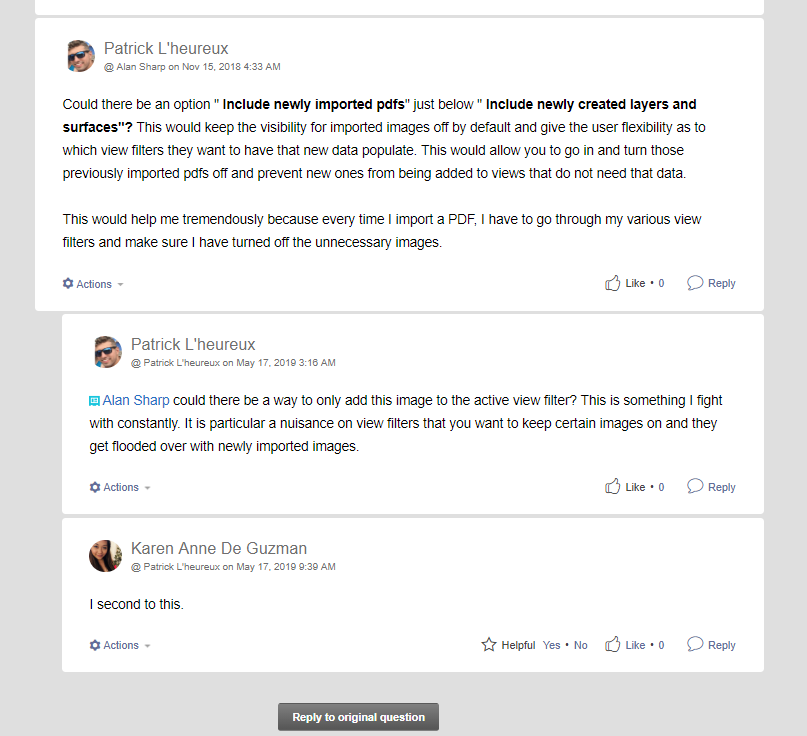
    I think the below #enhancementrequest may help with this. I have had several scenarios, particularly on projects with multiple revisions, where multi georeferenced images get turned on when swapping to an existing view filter (because by default georefenced images get turned on to all view filter) and then they are stacked on top of each other. I assume this does not help either with memory issues. 


    Maybe a locked import view filter for importing pdfs/images that has "include newly imported pdfs/images" and then allow the users to toggle on/off this preference in their other view filters? 
     

    https://community.trimble.com/message/13020-re-pdf-imports-to-locked-layers-as-visible-and-selectable?commentID=13020#comment-13020