Yes - you mean like this right?
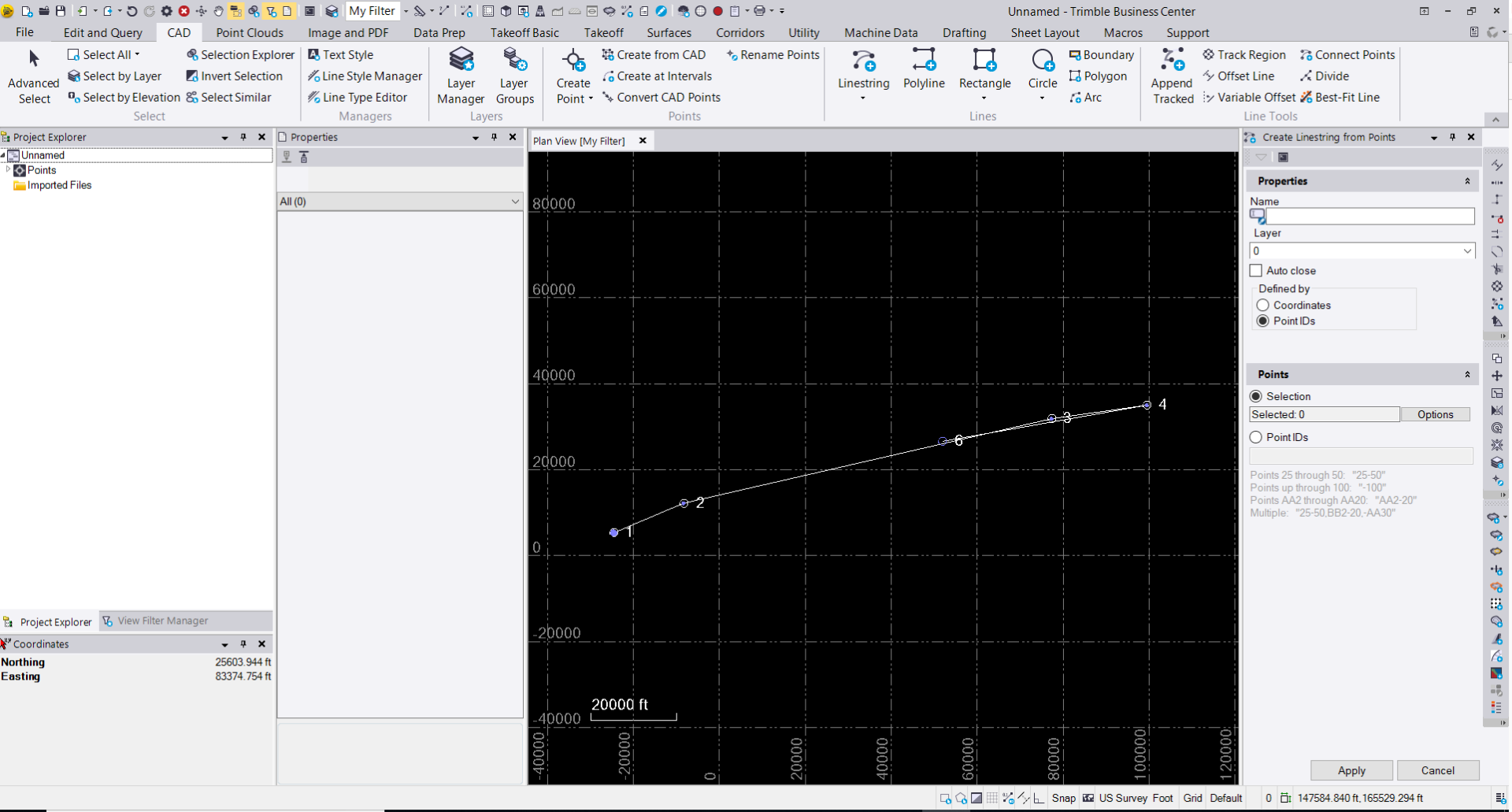
You have to hover over just above where it says Project Explorer and the grey dock location box will show a box the width of the Project Explorer and about 1" high and then let go - it will then dock in that location. It is hard to record a video of this as it creates a lag and you end up with lot's of Dock Locations visible which is not at all helpful.
If you have a screen to the Left of your main / central screen where the software is running, it is best to have the window for TBC un maximized when you do this so that the edge of the application can be more readily found by this process.
If you cannot get this to work, email me and we can do a quick goto meeting to get it locked in for you - the placement of the cursor is the all important part here - you want to be away from the Left edge of the screen and just above the Project Explorer (left Tab if you have the VFM and PE open).
Alan