Trimble Business Center

 View Only
Expand all | Collapse all

Why is two lots of text being created in profile view?

  • 1.  Why is two lots of text being created in profile view?

    Posted 01-31-2020 07:25
      |   view attached

    I have added some reference lines to a corridor (IL of existing services) and trying to annotate it with text however for some reason it keeps adding two lots of text. It seems it is trying to annotate text for each side of the corridor as opposed to just the one point where the service intersects the centreline. Is there anything i can do to stop this happening? I cant produce it with two sets of text otherwise the end user will think there is twice as many services to what is actually there. 


    There is definitely only 5 strings referenced to the alignment (so no double ups) and there isnt a double up in the labels. I have been having trouble following the steps in the webinar covering this as the filter causes nothing to show up and i need to nominate the surface related to the reference lines. Im hoping this is an easy fix and an issue others have encountered or else i can post up more info if required. File is attached.

    Attachment(s)


  • 2.  Re: Why is two lots of text being created in profile view?

    Posted 02-03-2020 10:39

    What version of TBC are you running?

    Can you add a more detailed explanation with the steps to duplicate.  Your file has lots of data and I can't seem to reproduce what you are seeing.

    tim


  • 3.  Re: Why is two lots of text being created in profile view?

    Posted 02-03-2020 16:22

    Hi Tim,


    Thanks for your reply, running version 5.20, editing metric template for A0 Plan and Profile, screenshots below:


    Right click->Edit highlighted layout
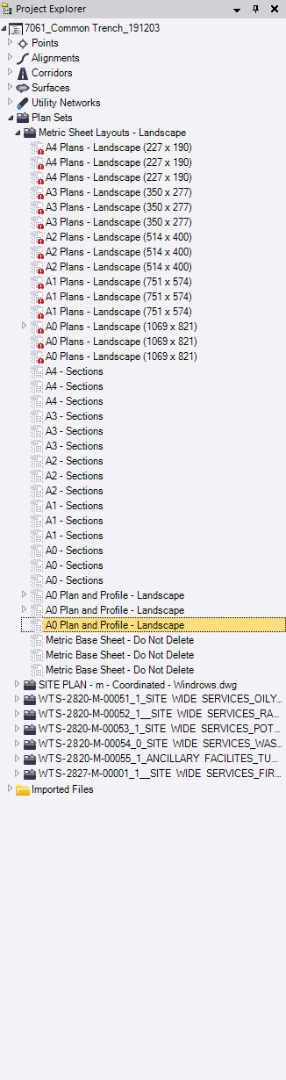
     

    For some reason when the new tab for editing template always opens it defaults to "all" filter, so switch to "my filter", double click mouse wheel and then zoom in on the template. There you can see the doubling up of text forthe reference lines. All the template settings are below which i had to go a different way doing it vs the how to guide posted in the forums by Alan.


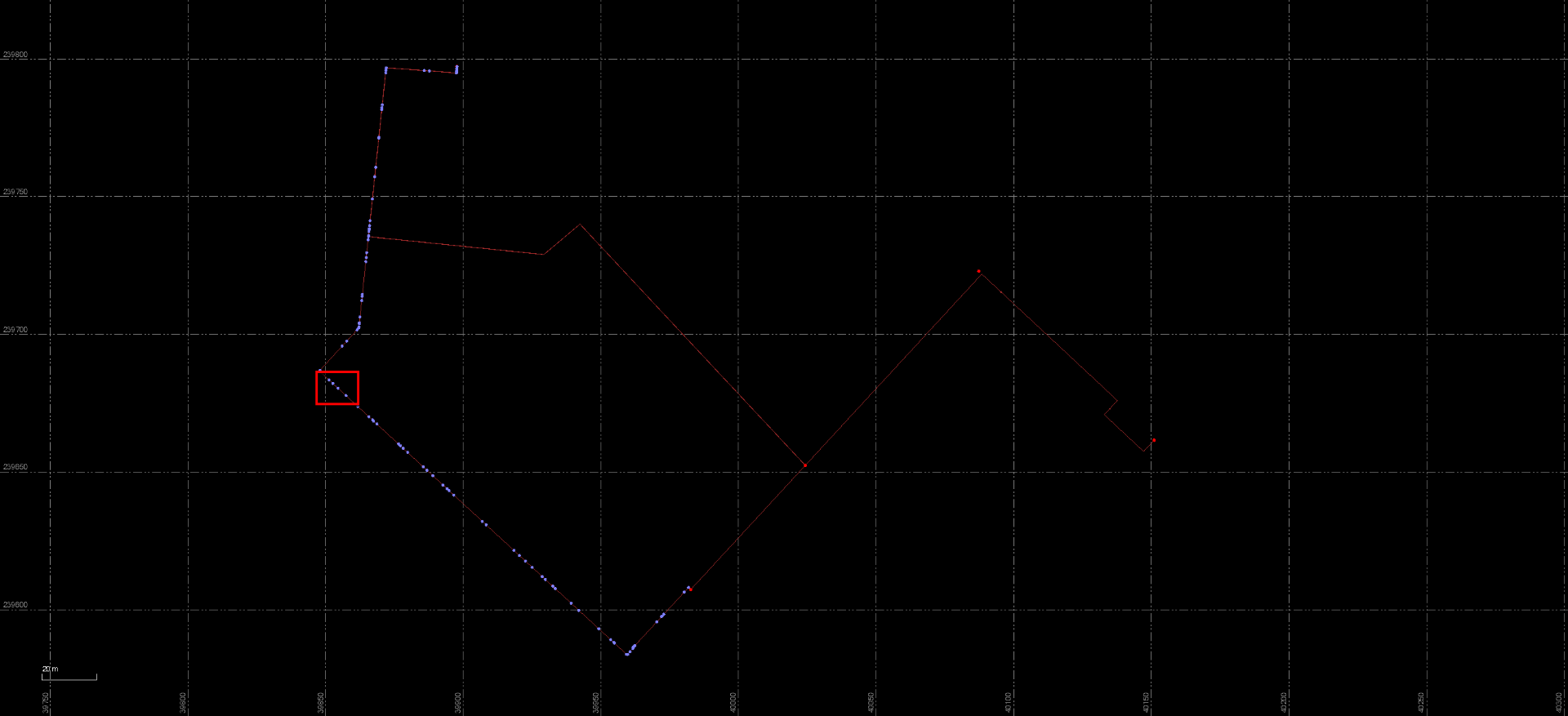
    On the plan view, the reference lines are found in within the red square, the alignment used for corridor is also visible.
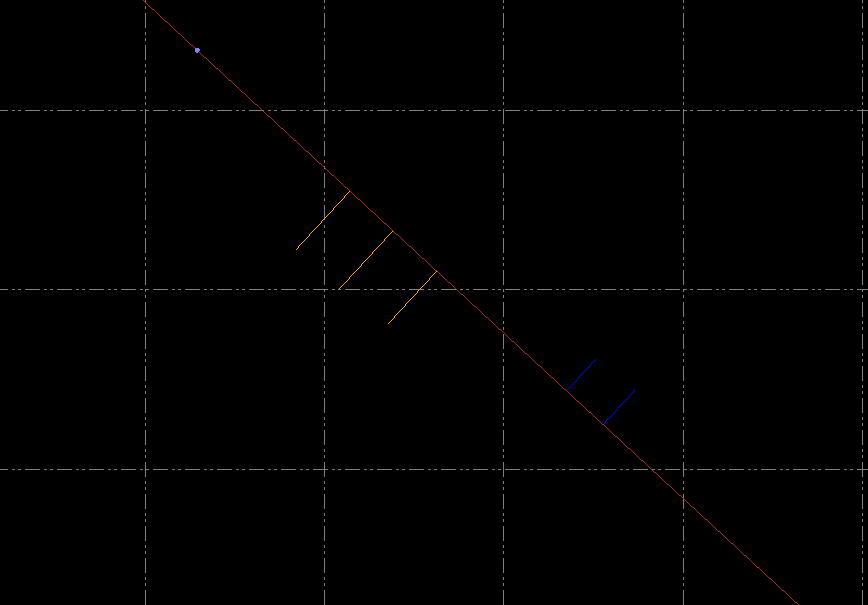
    I have shifted the reference lines slightly to make them perpindicular to the alignment in an attempt to try stop the double up happening, however if you move them slightly again to make them not perpindicular then you will see the two crosses for each line as they sit on top of each other when the line is perpindicular.


  • 4.  Re: Why is two lots of text being created in profile view?

    Posted 02-03-2020 17:08

    Looks like its labeling both ends of the line.  The immediate solution is to make the sheets and erase the ones you don't want.  I will have to get someone to dig into the source code and see if there is a way to show just one.  The person that knows this bit of code is on PTO this week.  Most likely it will require an enhancement to allow the choice.

    tim


  • 5.  Re: Why is two lots of text being created in profile view?

    Posted 02-03-2020 22:57

    Brilliant, that is the "outside of the square yet blatently obvious answer" i was hopoing for, i didnt even think to manually edit the sheet it created. Thanks so much. Is the 3d string reference a new style of representing it, because i spent most of my time searching for a simple tick box that would diable the 3d string reference to create only a single point reference more traditionally seen. Even looked for a variable i could change to limit how far off the centreline it would look each side for this string.