Hi Alan,
thanks for digging around. But I'm afraid TBC doesn't always adhere to those rules then.
Sending text to background was just a test from me. You say that is not possible and text will always be on top.
That seems to be the case in plan view only as my PDF screenshot at the very beginning showed.
 still haven't figured out why this text is in the background, even setting it to yellow or white, high up in the color hierarchy, doesn't resolve it
TBC seems to stick to the foreground/background rules in plan view only.
3 texts, each on different layer and respective view priority.
Plan View is correct.
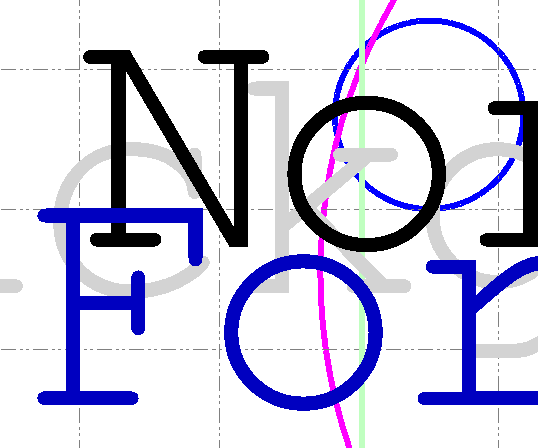
Sheet View and PDF, both wrong
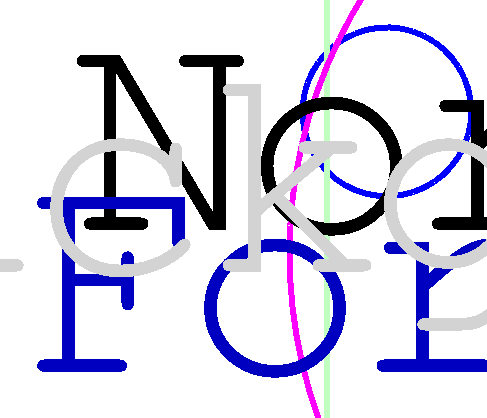
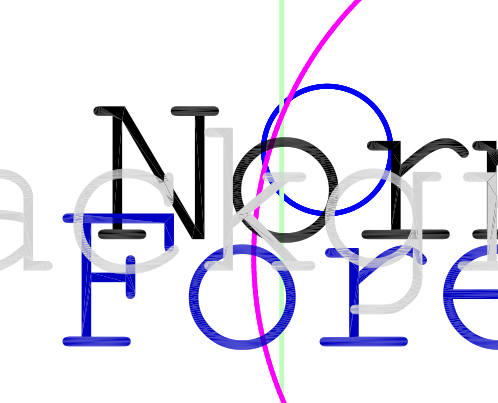
If I apply the colors as per my list above, the plan view is still correct.
But now Sheet View and PDF are correct as well.
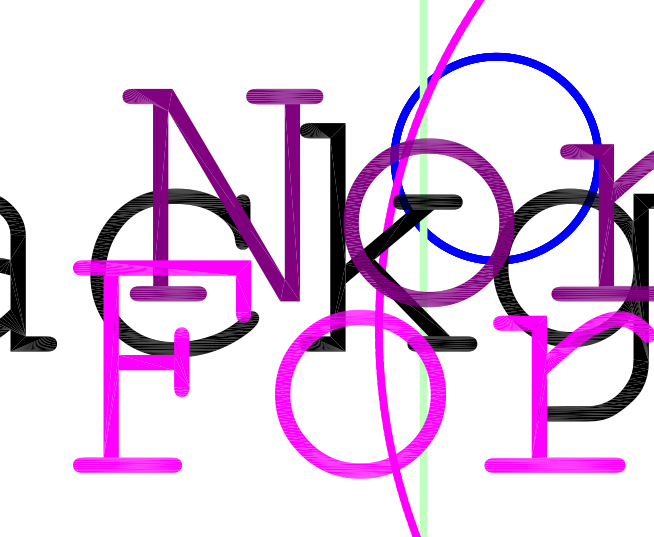
"Within a single layer I am told that there is no specific logic applied - it is most likely the most recent addition to the layer is at the front however i am told that that can change on save so will not be predictable - so if you want one line on top of another place them on different layers - changing color or any other method will not have a consistent effect"
According to my testing setting the colors right is currently the only way to nearly get what I actually want. And so far it's still the same after saving.
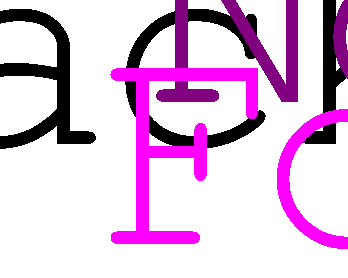
Text F2 added as last one. Color set to be lower than Magenta
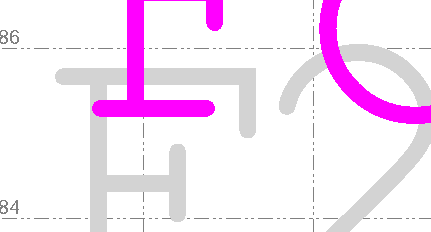
Color set to higher than Magenta
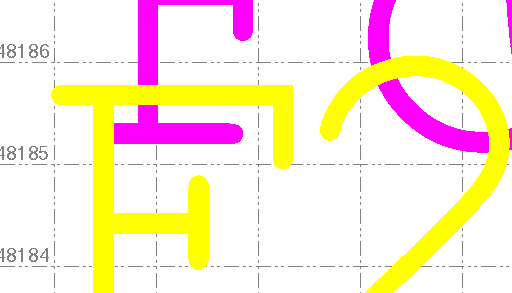
Plan, Sheet and PDF are the same in this case.
So, whoever you talked to at Trimble told you what their intention is, but that is not what their code is actually doing.
There is an obvious discrepancy between Plan View, Sheet View and PDF.
We need WYSIWYG from plan view to deliverable.