OK - I have tracked the issue down to Linestrings. If I import the CAD file and run through the Plotting Process to the Sheet View and then Print to PDF I get good results using the native CAD Polyline Objects.
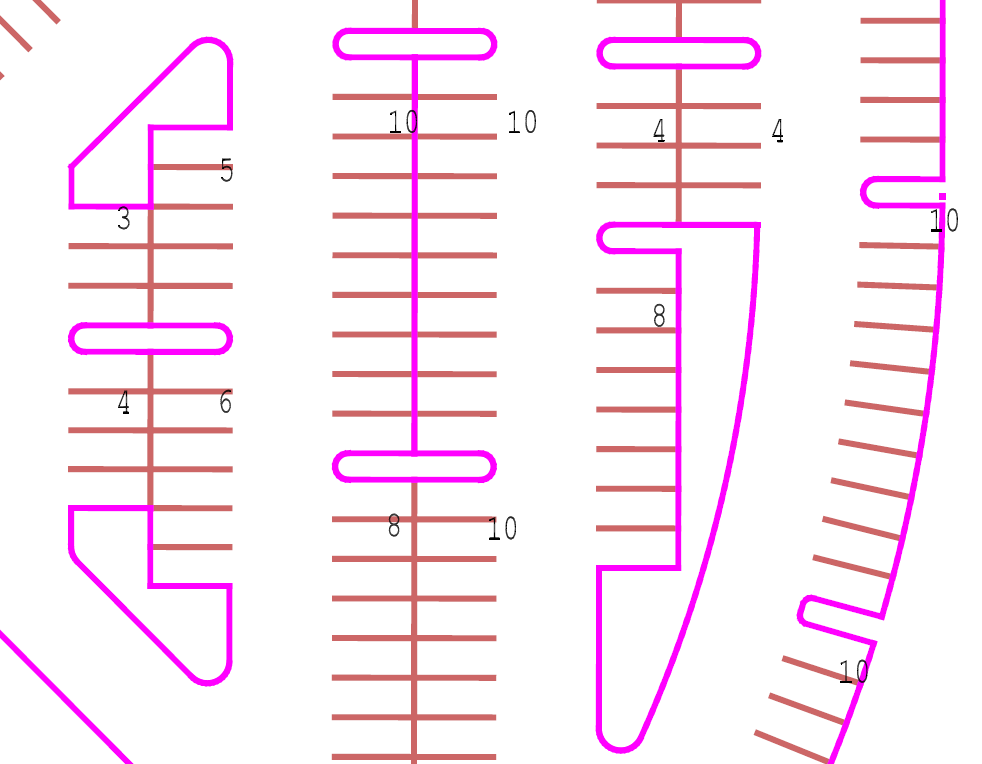
If I join lines together (Arcs and Lines) (using Join Command or Project Cleanup) and the Arcs are small radius arcs (of a few feet radius) then I get the same chording effect in the PDF output that you were seeing. I checked back in some older projects of mine and replicated the same problem so this appears to be an issue with printing of small radius arcs through the Sheet Plotting process where the Arcs are joined into Linestrings.
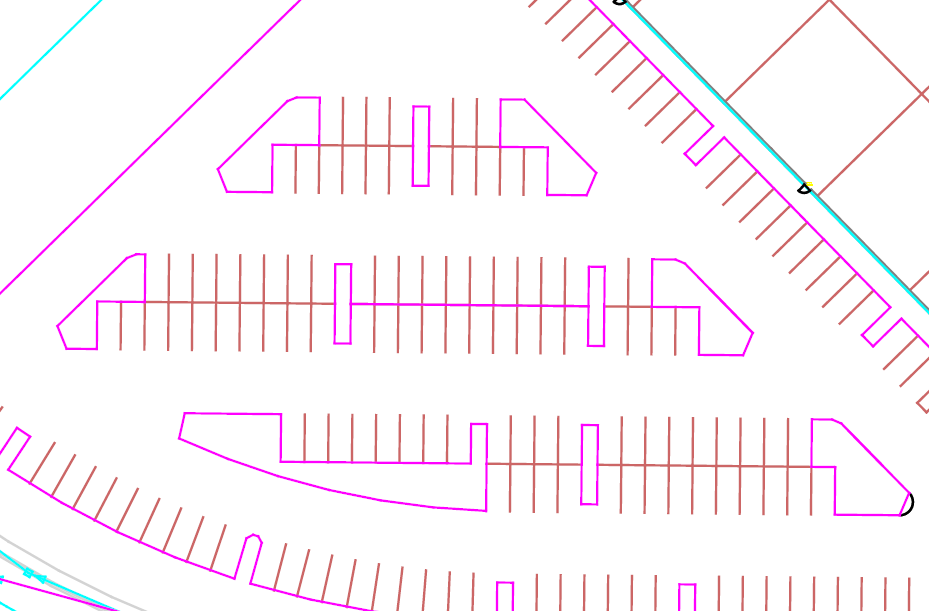
I have reported the defect in to the Development Team and will let you know when it has been addressed. Thanks for raising this issue - I had seen this problem in a different form when drawing Title Boxes that have small radius arcs in the Titles areas when you use the Fillet command or join Arcs into continuous lines (they become linestrings), however they also show up in sheet view as chords, whereas these do draw in Sheet View correctly it is just on the PDF output that they are not working correctly.
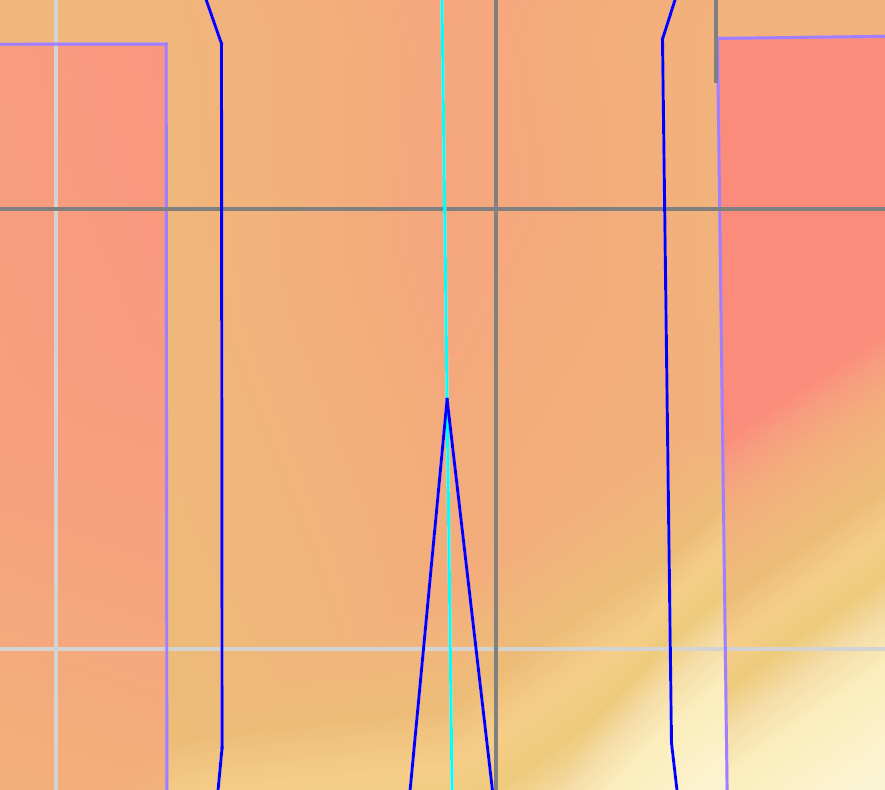
Lastly, you asked about Plotting Resolution when we print to PDF. The Sheet Layout method of Printing is using Vector Linework output not Raster so the Resolution should be identical to your drawing output to a plotter or printer. the resolution only affects the output PDF when we print Cut Fill Maps, Ortho Photos, PDF Images, Logos or photos on drawings when we Print to PDF using Raster Methods. A Raster output from TBC of e.g. a Cut Fill Map is extremely high resolution (I believe 600 DPI) as can be seen in this image below of a very small part of a Cut Fill Map.
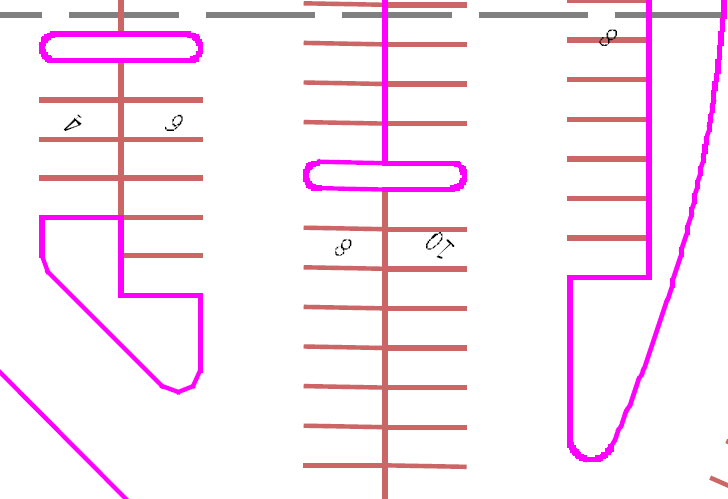
When you use the Plotbox method followed by print Preview / Print we rasterize the drawing for the printer and that is significantly lower resolution (that is meant to be "Cheap and Cheerful" / "Quick and Easy" printing as can be seen below (this was a 1:200 scale plot to an 11x8.5 sheet of a part of your drawing using the Plotbox method. You see this on all PDFs that are Raster PDFs.
I hope that this answers the question Paul
Alan