Hi Antii,
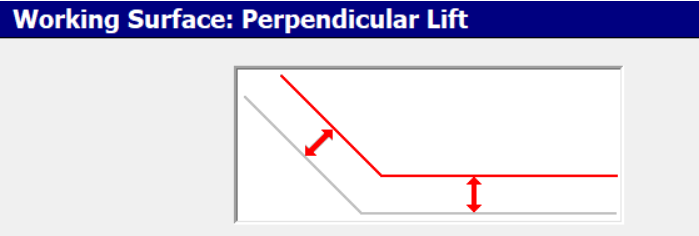
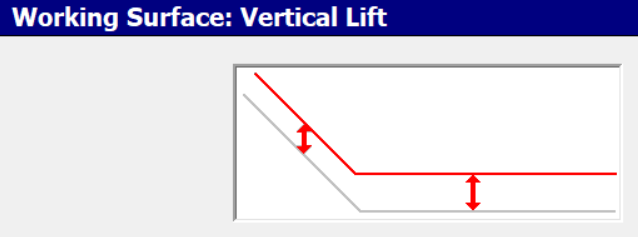
unfortunately you still can't offset a batter perpendicular in the corridor editor, everything is either vertical elevation differences or slope/slope intersection.
Offsetting a whole DTM/Mesh perpendicular is anything but trivial. You can find scientific papers online that cover this topic. You'll have to offset each triangle independently and then either shrink/enlarge them and compute new intersections/breaklines between them. In tight corners, where lots of triangles from different directions and different slopes interface, that might actually pose impossible to create a gap/step free new surface.
Since this is so difficult I don't believe that Machine Control is offsetting the whole surface.
The following is what I believe it is doing since I would program it that way. And the computation power on those boxes is limited, we had lagging and crashes because of too many arcs in the linework.
It most likely creates a drape line using the bucket blade azimuth. That line is then a simple 2D line in the vertical z-plane. And a 2D line can easily be offset parallel.
That is actually one way you can do it in TBC, but it will only work properly for dam like DTM's.
Have an Alignment ready and create labels with rather wide tick lines.
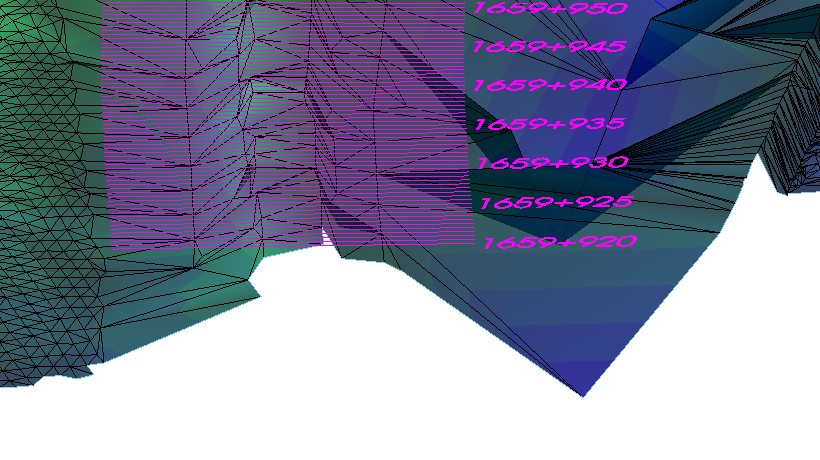
Use the "Change Elevation" command and drape them onto the surface.
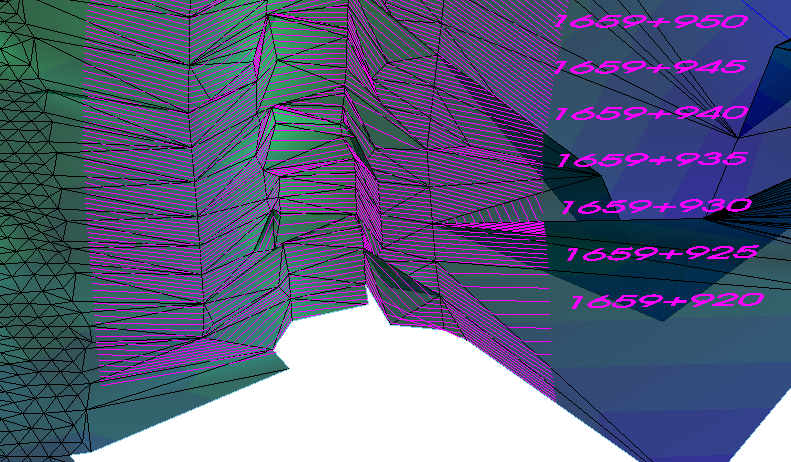
I've posted the attached macro here before. It uses the offset function on the vertical profile of each line.
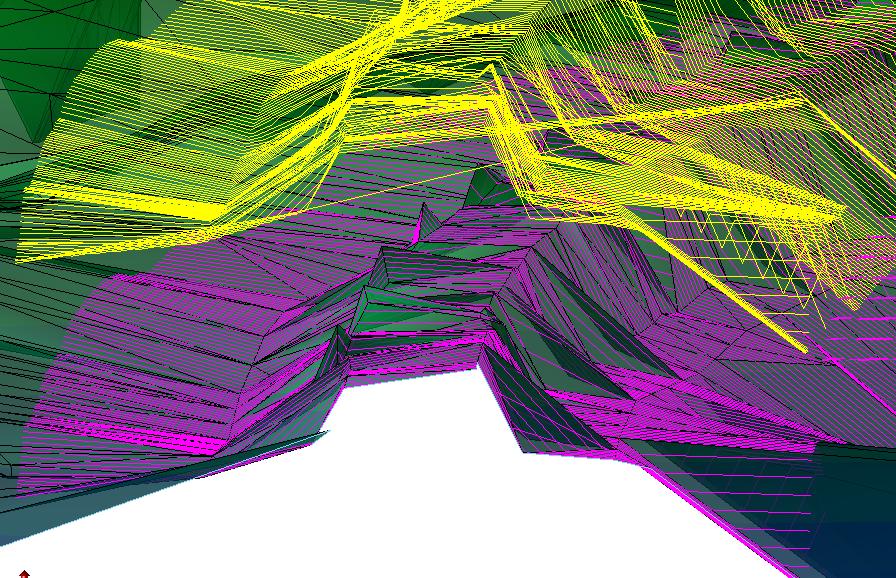
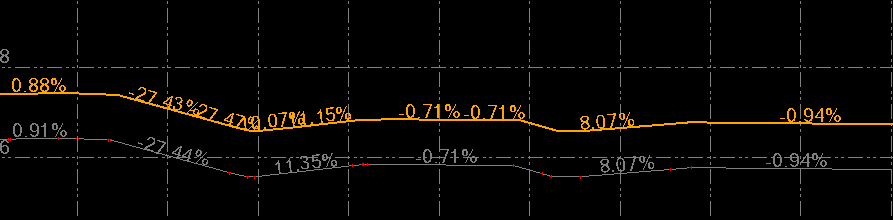
If you create a new surface out of those new lines the surface is offset perpendicular along those lines. If the embankment doesn't fall into the same direction as those lines the result can be wrong, so be careful with that method.
------------------------------
Ronny Schneider
------------------------------
Original Message:
Sent: 02-21-2022 23:52
From: Antti Niittyoja
Subject: Calculating real volumes in TBC
Hi Ronny!
Thank you for the correct calculation. I somehow believed that the surface offset in TBC was perpendicular.
Do you happen to know that is there a perpendicular lift in Trimble Business Center?
------------------------------
Antti Niittyoja
Original Message:
Sent: 01-27-2022 06:01
From: Ronny Schneider
Subject: Calculating real volumes in TBC
I looked at your sample data and from my point of view the earthworks report is correct.
In your simple example the parallelogram for the batter layer is 0.26832 * 2.23607 = 0.600 ( * length of the batter), which is the same as you've been using with the planimetric area 2 * 0.3 ( * length of the batter)
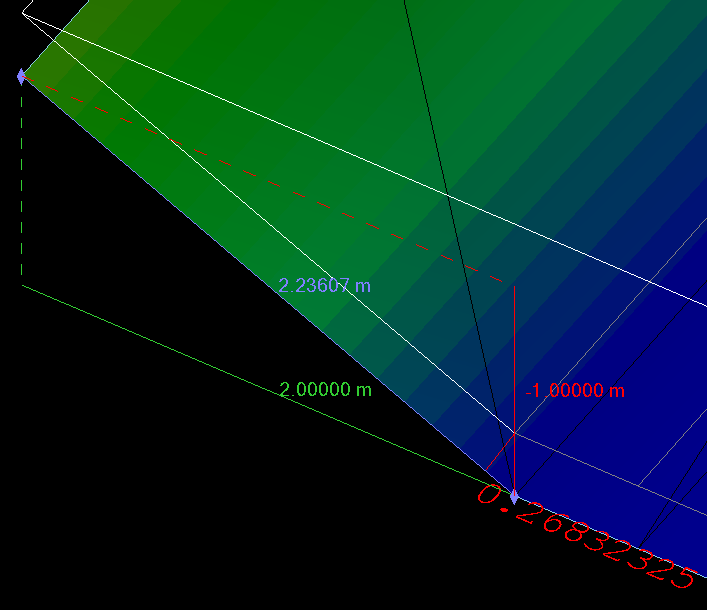
If your customer is building the upper layer exactly as per that surface (and the bottom layer is exactly as in your project) then he should not get a quantity mismatch.
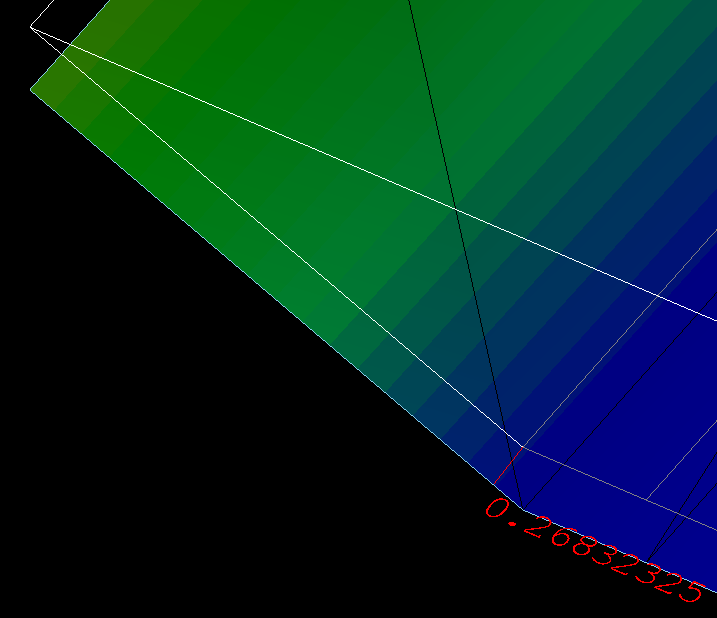
If, on the other hand, they use the bottom surface and offset it on the machine with perpendicular offset then they use more material because now the batter layer is really 0.3 m, whereas in your example it is only 0.268
------------------------------
Ronny Schneider
Original Message:
Sent: 01-26-2022 15:50
From: Ronny Schneider
Subject: Calculating real volumes in TBC
Shouldn't be, TBC uses the prism method to compute the volumes between two surfaces. Could you upload your example ditch or a file where you suspect the volumes are wrong here.
------------------------------
Ronny Schneider
Original Message:
Sent: 01-26-2022 06:24
From: Antti Niittyoja
Subject: Calculating real volumes in TBC
Hi!
When calculating volumes in TBC by Earthworks report etc. the
calculation gives an answer which is planimetric surface area x height.
This creates a problem because the real surface area can be normally 7-10% greater
than planimetric surface area. So it doesn't take side slopes in to the calculation.
And that means our customer gets 7-10% less in volumes by calculations. But they use still
more material than what is needed (by planimetric calculation). So they charge 7-10% less than they
should if they use Earthworks Report calculations in these kind of situations.
And same thing is in other similar programs.
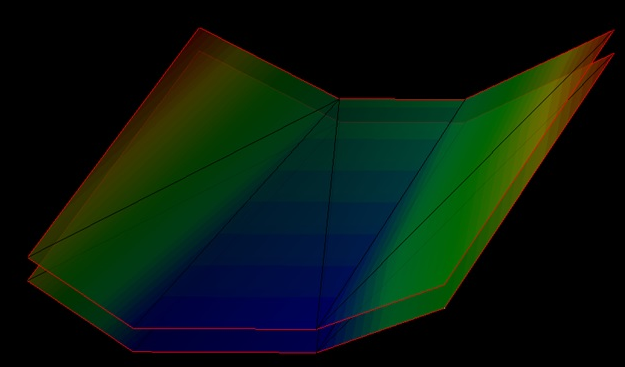
As a reference here is a ditch 3D-model which has planimetric area of 1766m²
and real area is 1897m². The difference between layers is 1m in height.
This makes difference in volumes around 7% in this case.
I don't know about laws and calculation guides around the world but in Finland at least contractors want to know
exact volumes of materials used. Not planimetrically calculated volumes.
Is there a way to calculate real volumes in TBC other than Surface info report - Real area
and multiply it with height difference? Or have I misunderstood something?
Thank you!
------------------------------
Antti Niittyoja
------------------------------