I looked at your project and there are a lot of very obvious lines that cross each other in different elevations.
Turn on all layers. Right-Click the surface in the project Explorer and "Select Members".
In your case you actually only have to view Layer "MSE Takeoff Slopes". All layers on is helpful if you might have accidentally added linework that shouldn't be in that surface.
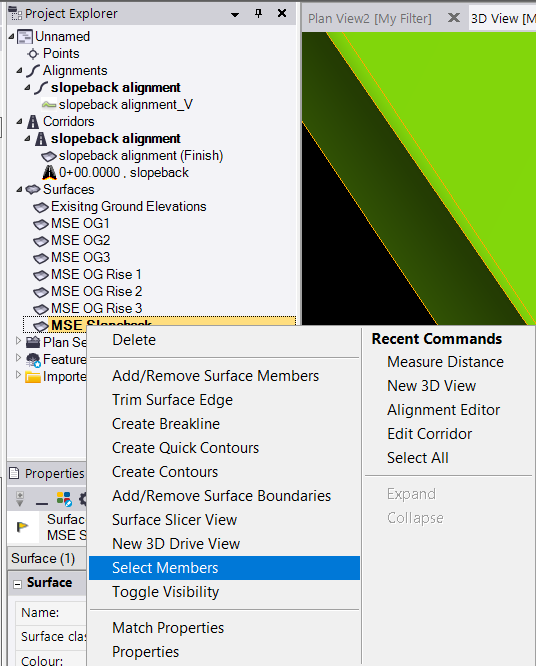
All the lines you've added to that surface will be highlighted and you'll easily see things like this.
Vertical Step in breakline, two nodes with same coordinate but different elevation.
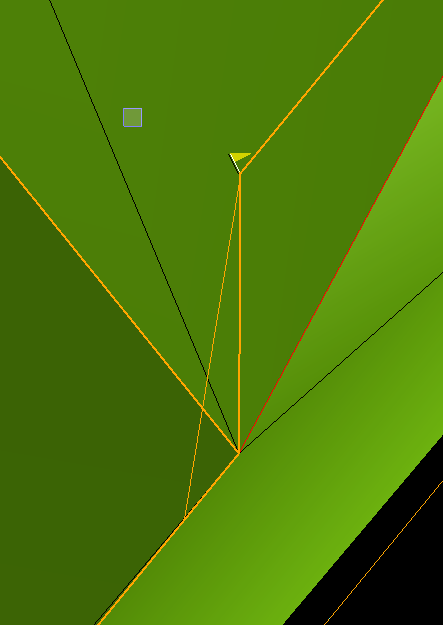
Higher corner crosses lower line
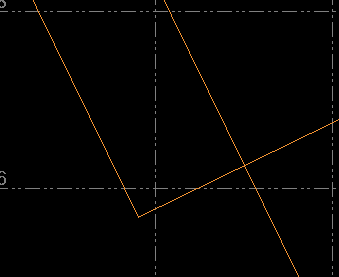

Same here, unclean model

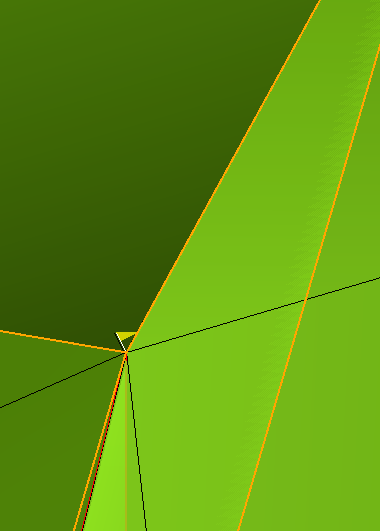
no offset, corner under higher line
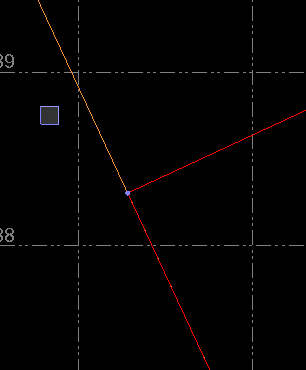
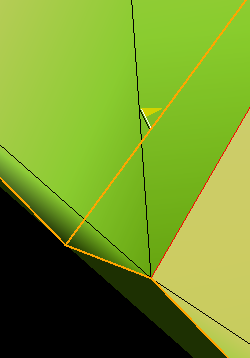
And so on. There is no mystery to those flags, you have to go through all the errors and make sure that lines with different elevations, that are supposed to form the surface, don't cross each other. Best is to have 2D and 3D view open at the same time.
------------------------------
Ronny Schneider
------------------------------
Original Message:
Sent: 01-28-2022 10:53
From: Manjunath Veeresh Kadalli
Subject: Warning Flag: Break lines passes through a vertex
Hello all,
I'm facing a problem since past two days. I have a created a surface from the break lines and there exists a problem wherein the surface doesn't adhere to the linework which I created.
I did try out all the possible ways such as offset the line by 1/1000th of a foot and what not.
The error displayed is in the below screenshot.
AS you can see in this screenshot, the surface doesn't align with the linework.
Kindly help me out.
Manjunath/Manny.
------------------------------
Manjunath Veeresh Kadalli
------------------------------