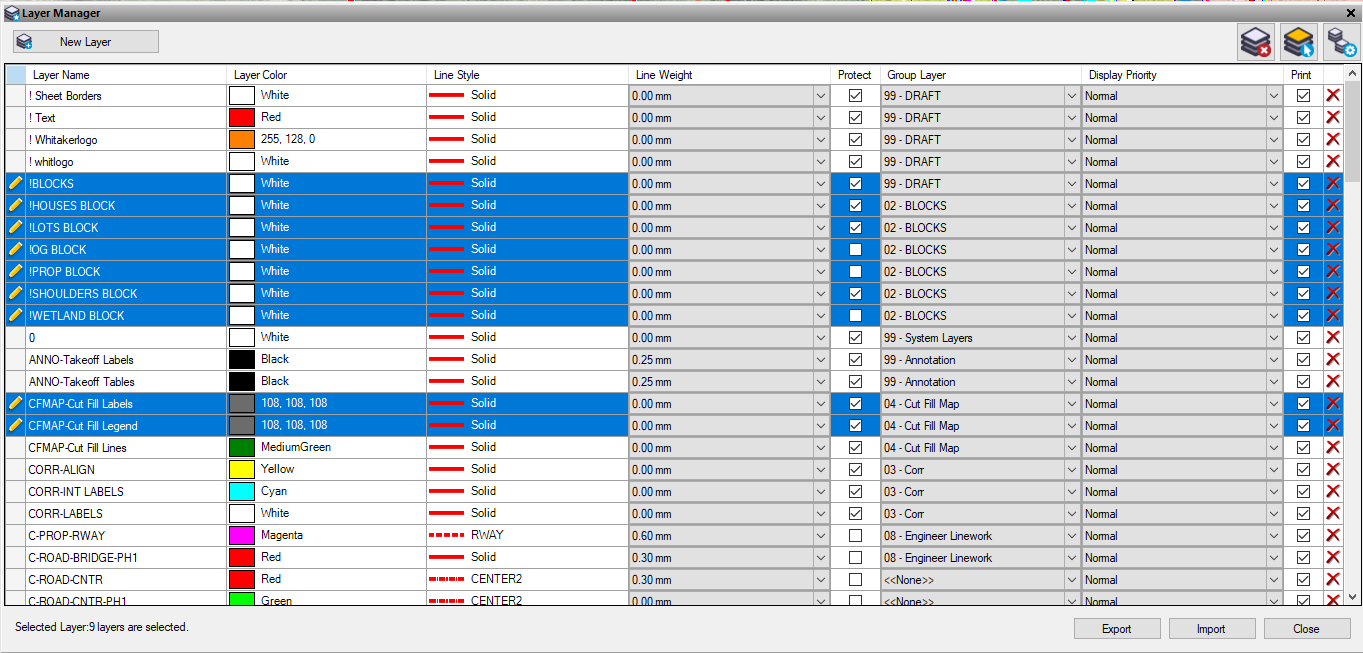
Go into the layer manager, F12, then type layer manager or find it on your tool bars. clock off to the left of the first layer you want to change. Then either push shift or control and select the others. You can change the property of all those layers at once to the same thing.
------------------------------
Erik Petersen
------------------------------
Original Message:
Sent: 04-30-2021 02:32
From: Tomas Vilim
Subject: managing colours in advanced view filter manager
Hello,
I know how to select multiple layers to view and make it selectable, but cant select multiple layers to change colors, style and weight. Have any way to change colours in selected layers in one step?
Thanks Tomas