I could really use a version of the "Composite Surface" command that can do keep lowest or keep highest.
Merge surface can sort of be used for this, but with too many steps and not in an easily updatable fashion.
Correct me if I'm wrong but it appears to me that the current best method of combing two surfaces, keeping the lowest elevations from both, is to use "Merge Surfaces" -> "Keep minimum" to get a lowest surface (only where they overlap for some reason?), then composite that smaller surface back together with the original two making the new one highest priority.
This does not make for an easily updatable final surface though and I don't even want to think about having to do this when I have more than just two surfaces.
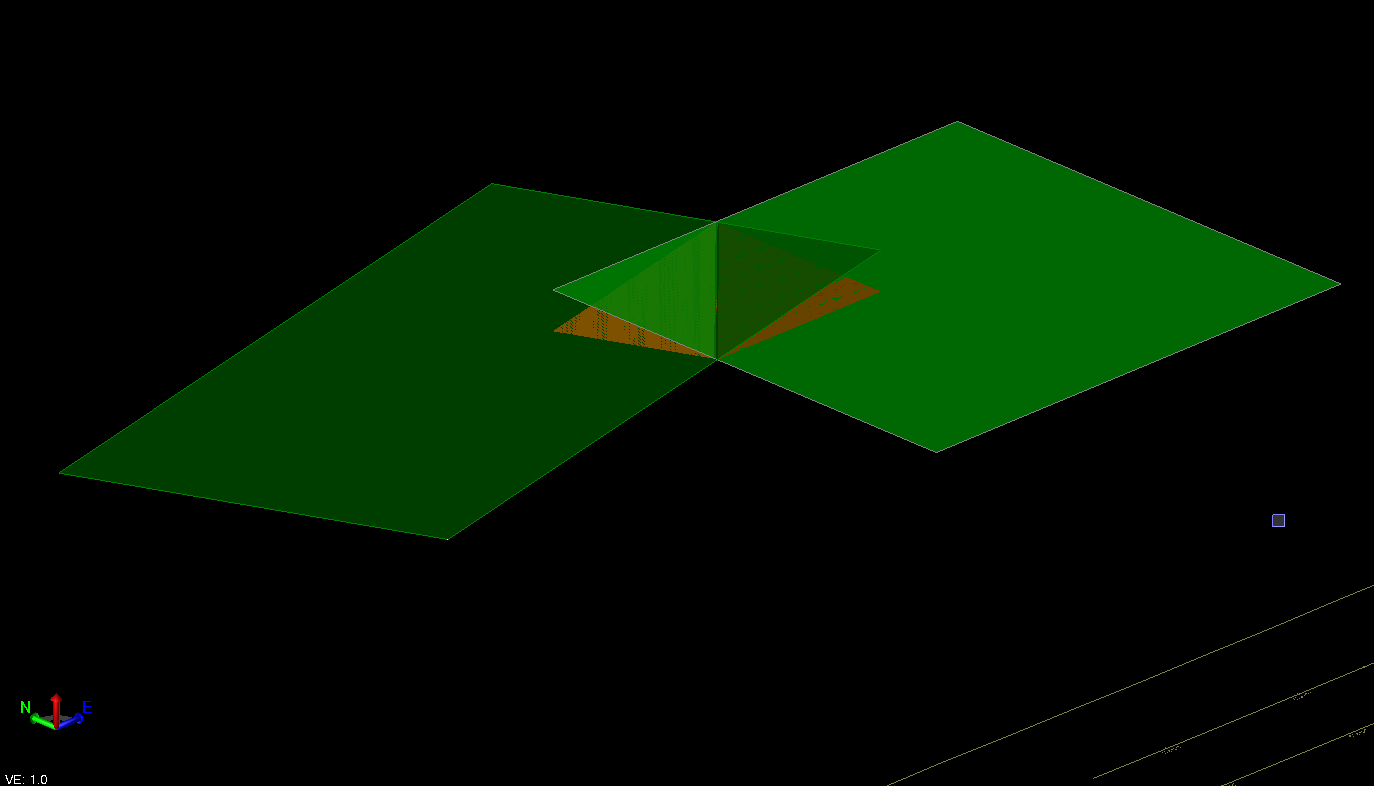
Green and Darkgreen merged, keep minimum to get orange.
Side-rant: Why does merge - > keep min/max cut out the non-overlapping areas? If I want to MERGE the two surfaces, I usually don't want to REMOVE anywhere they don't overlap. If I did I'd just add a boundary.
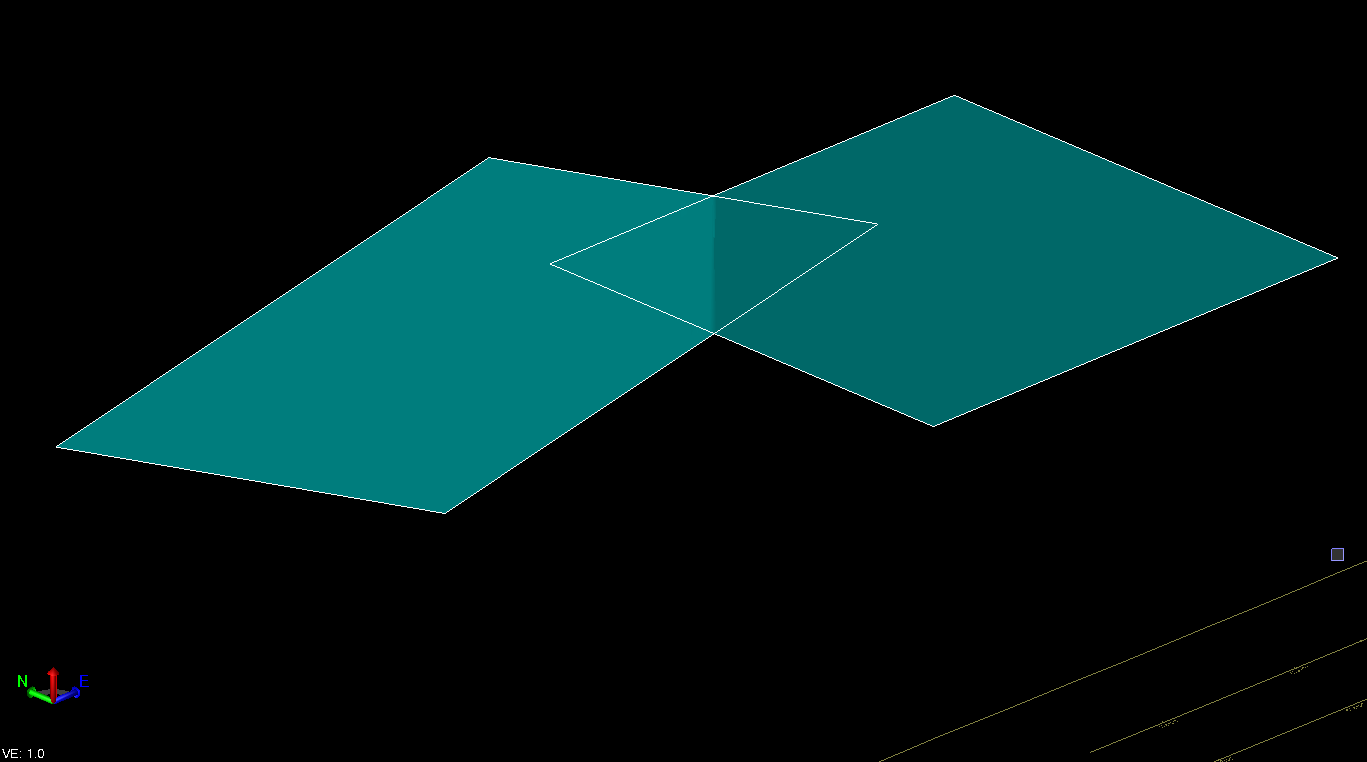
Composite all 3 back together with orange on top. (This was a massive pain before "Composite Surface" was added as you needed to do multiple merges to get all 3 back together)
I this an ignorance problem? Have I missed a better way to do achieve this? If not, hopefully we can get a tool to make this better.
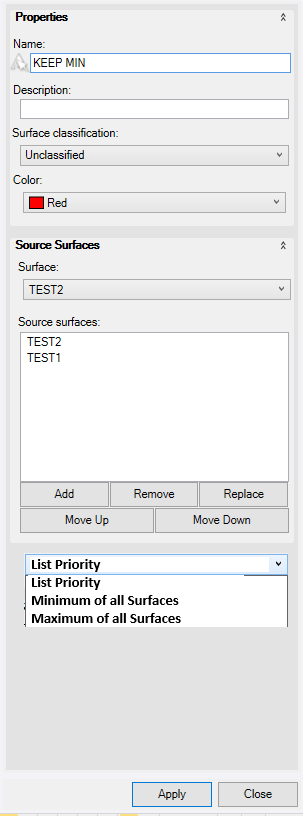
Example Modified Composite Command:
------------------------------
Joe P.
------------------------------