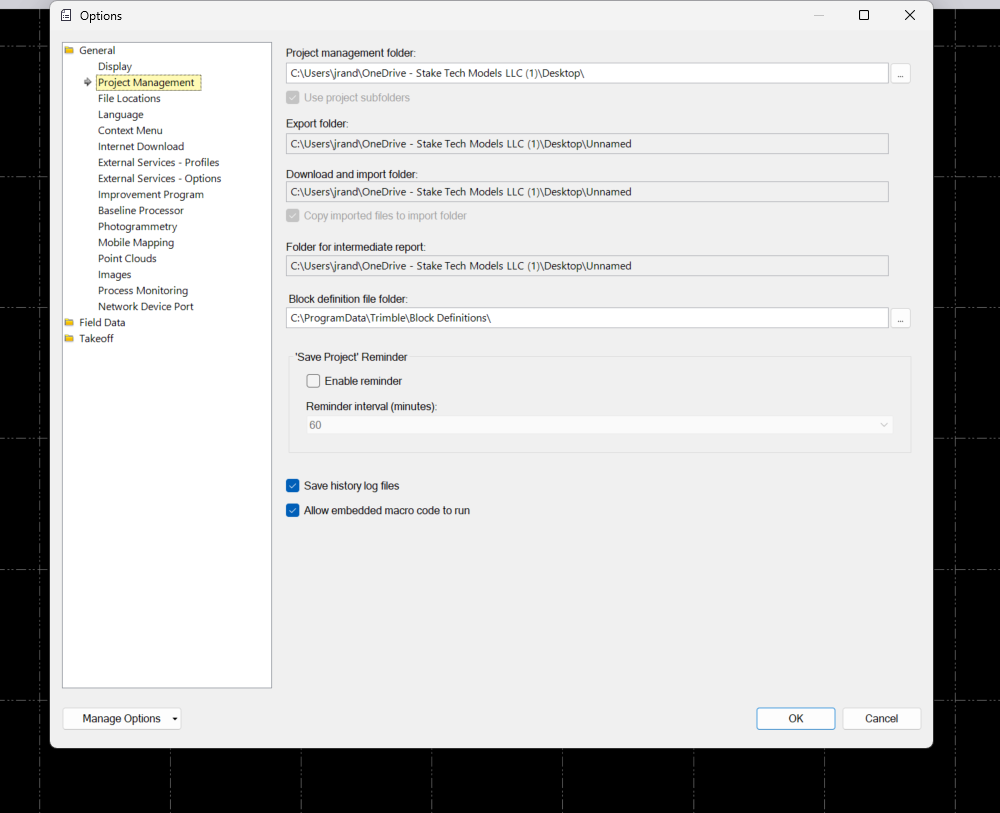
Your project management folder is pointing to a Onedrive cloud storage folder. Potentially it could just be the brackets in the folder name, but I'd avoid working in a cloud storage folder all together.
The file works fine on my machine as well.
If it's a blank project, then save it somewhere local and then try to import the file and I'm pretty sure it'll work.
------------------------------
Ronny Schneider
------------------------------
Original Message:
Sent: 08-25-2024 16:51
From: Lupe Herrera
Subject: Exception Message
The file is on my desktop.
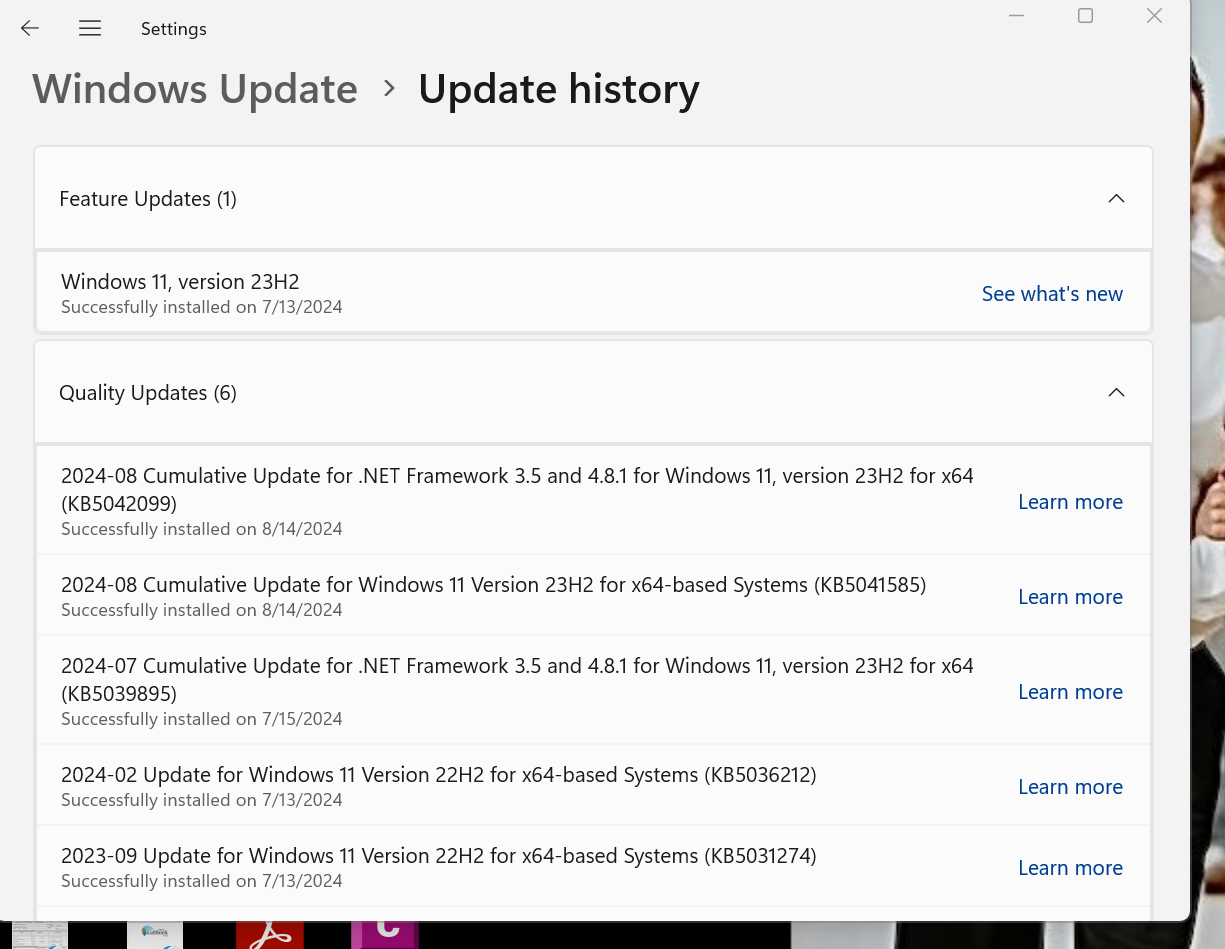
It is Windows 11, version 23H2
The same dwg works on another computer without any issues.
If you need any additional information, please contact me.
Thanks,
Original Message:
Sent: 8/25/2024 7:29:00 PM
From: Ronny Schneider
Subject: RE: Exception Message
We'll need way more context than that. What is the file name, where is it stored, is it a network drive, is it a cloud storage folder, which language are you using in windows?
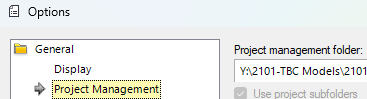
Has the TBC project been saved already? What's the setting for project management folder? Is that one a network or cloud storage folder?
------------------------------
Ronny Schneider
------------------------------