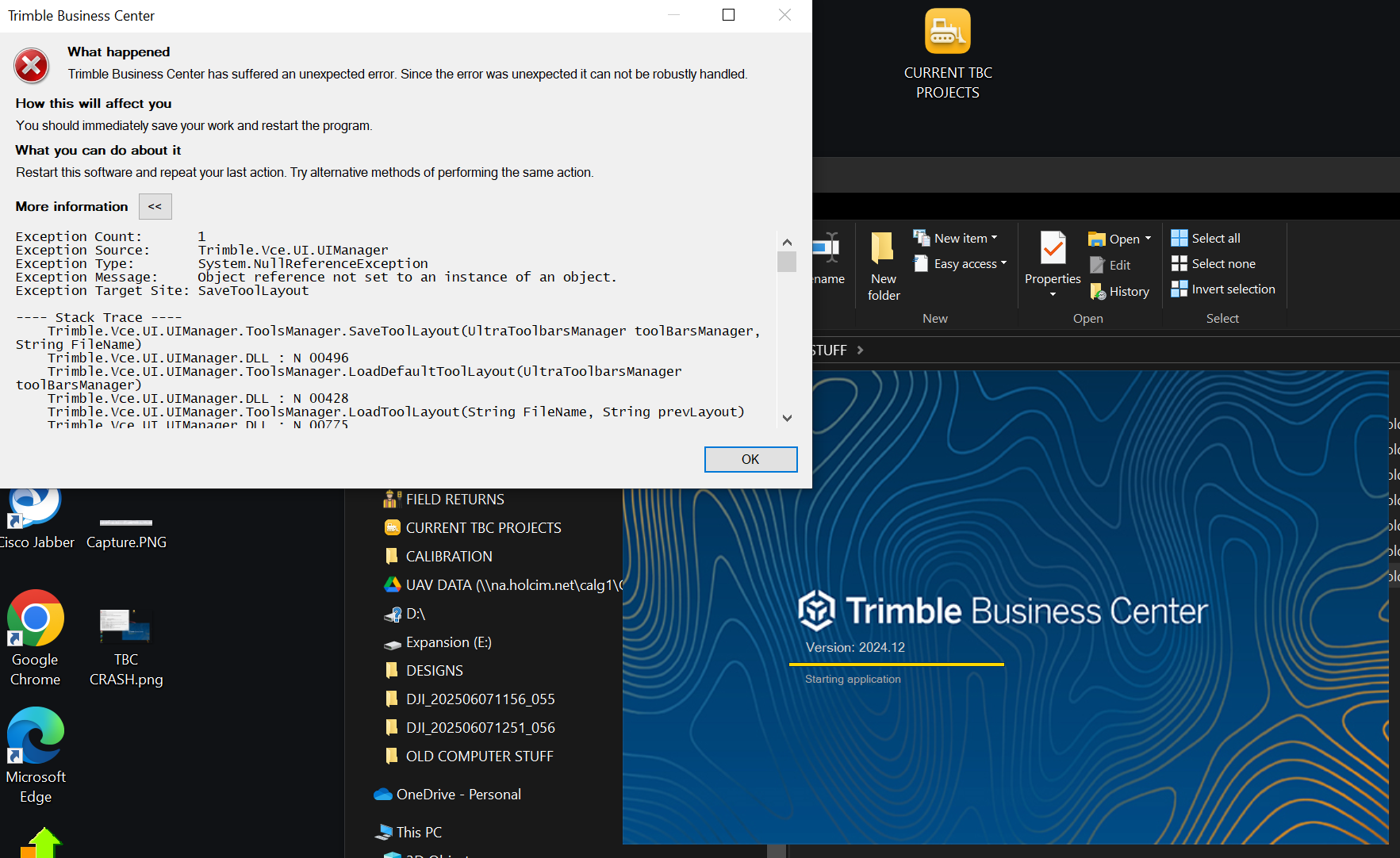
Hoping someone can help with this error as my only option now is to wipe the hard drive and reinstall windows.
Ive tried re-installing TBC
Tried running the clean up tool and re-install
Tried running the cleanup tool and downgrading to 2024.12
Still the error persists
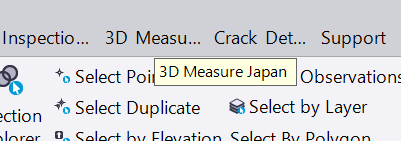
TBC will load but the ribbon is only half there with some tabs that I have never seen before
INSPECTION JAPAN
3D MEASURE JAPAN
CRACK DETECTION
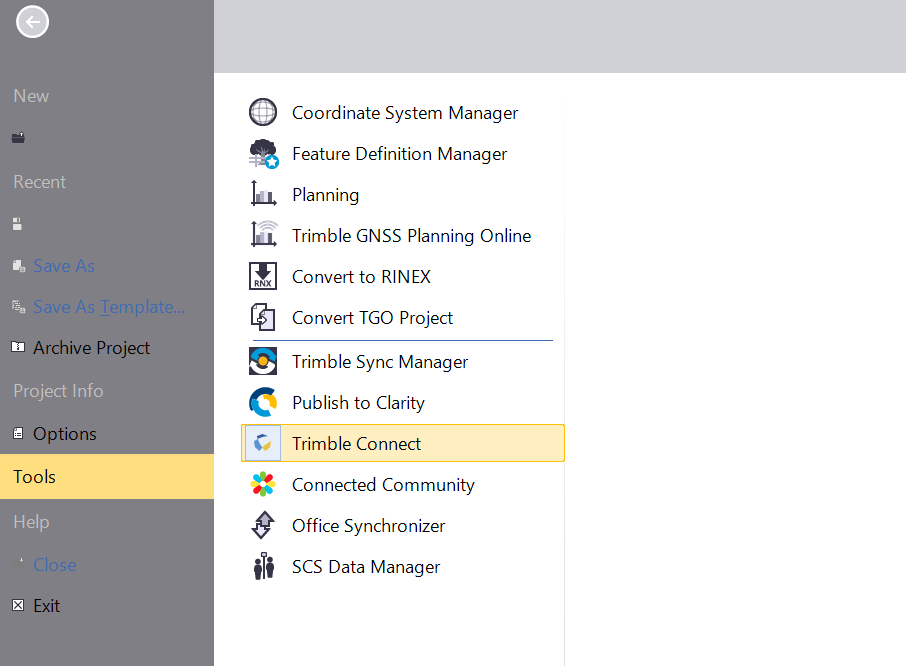
Cannot open any existing or new projects. Options are greyed out
Any help greatly appreciated
ChatGPT's opinion here
ChatGPT - NullReferenceException Troubleshooting
Thanks,
Rory
------------------------------
Rory Prendergast
------------------------------