Trimble Business Center

 View Only
Expand all | Collapse all

still no way to merge new and old ribbon settings - or just load custom tabs

  • 1.  still no way to merge new and old ribbon settings - or just load custom tabs

    Posted 2 days ago

    I finally got the license for 2026.

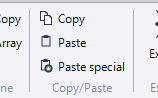
    Trimble did change a lot in the ribbon due to the implementation of the ANZ Toolbox features, but their own as well. I.e. the new copy/paste on the CAD-Tab.
    The usual issue I'm facing is that I can't just load my custom Tabs from a backup. It will overwrite the whole ribbon, removing all the new stuff.

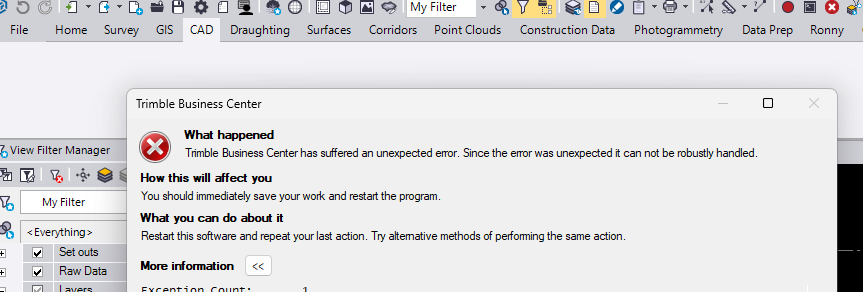
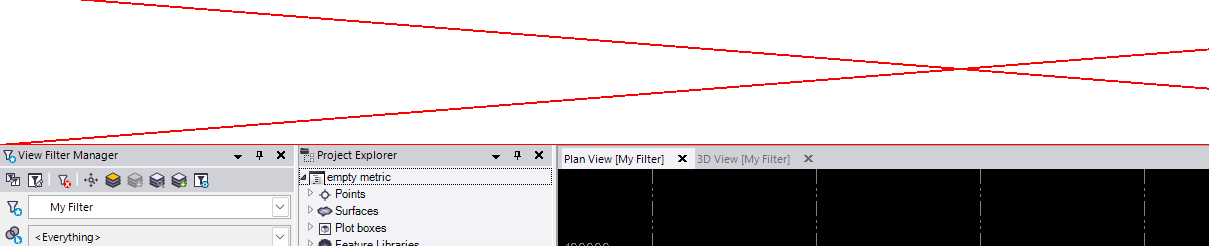
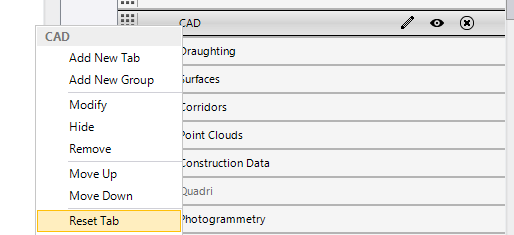
    If I go into customize ribbon and reset the CAD-Tab, which sometimes is available and sometimes it isn't, it kills the whole ribbon. Either I get a white bar with a red cross or an Infragistic error.

    After a restart, opening i.e. that CAD tab kills the ribbon again. The only way to restore it is to reset the whole ribbon to default, which removes all my custom tabs.

    We need a way to export/import single tabs.


    ------------------------------
    Ronny Schneider
    ------------------------------


  • 2.  RE: still no way to merge new and old ribbon settings - or just load custom tabs

    Posted 13 hours ago

    Hi Ronny,

    I think it's time.  Let's fix this problem.  And by us, I mean Revenant.  I'll work on this next.

    I have a long list of UI customization usability enhancements on the backlog - I can bump export/import 1+ tabs to the front.

    A few questions:

    Do you still have your old version of TBC installed?

    Which version of TBC is your old version?

    Do you customize the images of your tabs/groups/commands?  (getting that to work is probably way down the list)


    ------------------------------
    Quan Mueller
    quan@revenantsolutions.com
    Revenant Solutions | TBC Extension Developer
    Superuser Program | superuser@revenantsolutions.com
    ------------------------------