Over the weekend something has happened to my Laptop / TBC,
Trying to either open or create a new Project I get the following error:

If I accept this I get a TBC Ribbon menu that appears to show all options / modules - very strange...
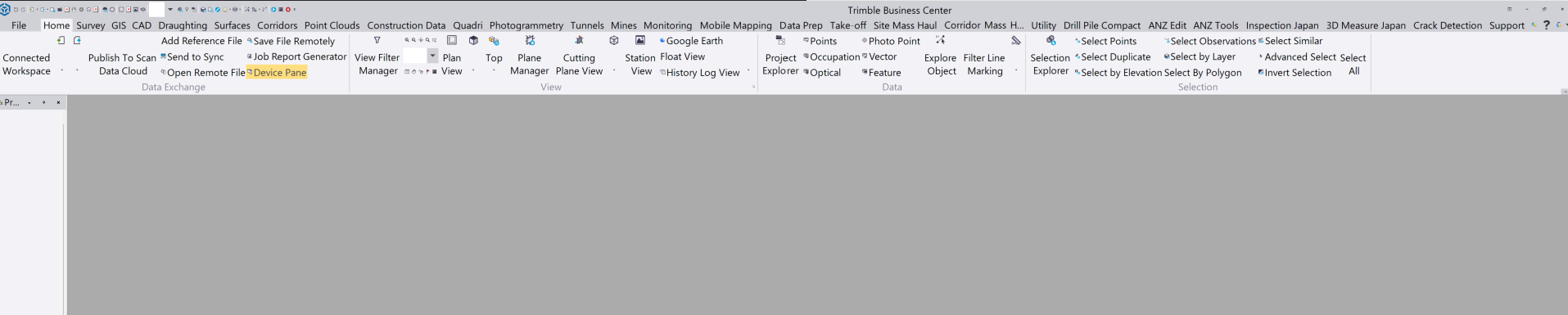
But it won't let me create a new project (greyed out) - if I select an option that is available it shows an error code as below and won't continue
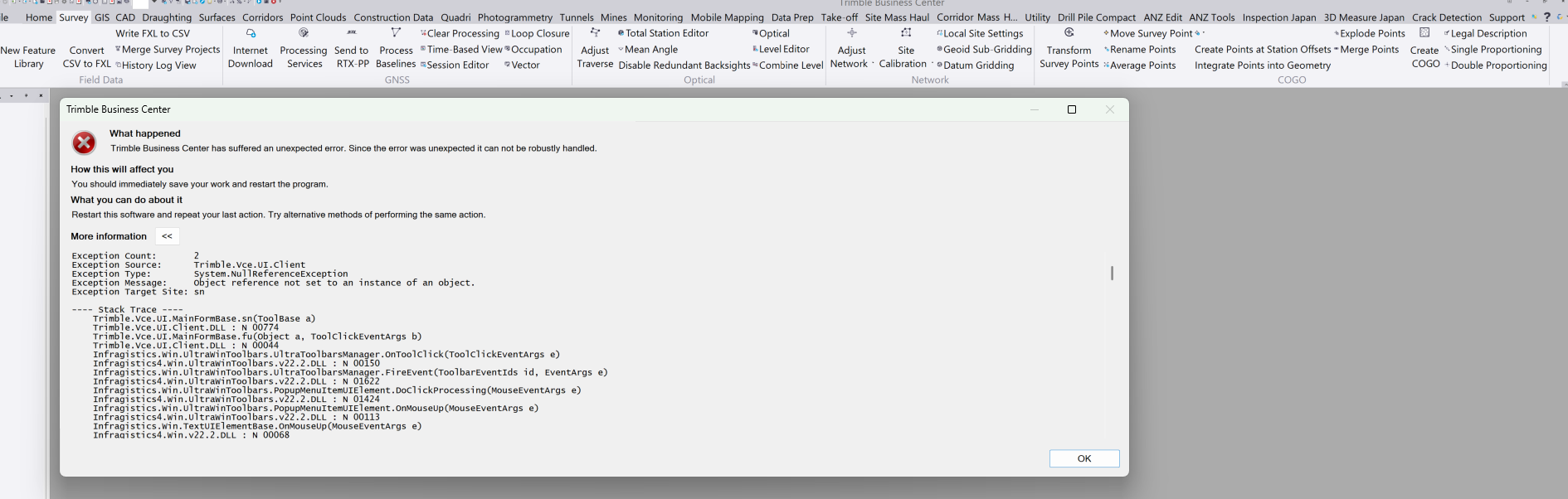
I have an external dongle and have never seen anything like this before (nor have my compatriots in the office)
I have then tried the following with the same results each time:
a) restarted computer
b) used Clean Utility and done a full deinstall of TBC
c) Downloaded the Offline TBC Version
d) Full re-install then restarted computer
As far as I can see there have been no Windows updates over the weekend - only thing different I've done was have a long weekend away (am I being punished for not working the weekend?)
Any suggestions welcomed (and yes I've contacted Dealer support line too)
Thanks
John Mill
------------------------------
John Mill
------------------------------