Hi there,Is there any way in TBC (5.8) to cut a section along the length of a culvert and show the top and bottom of the pipe?We provide XML files for culverts (created as gravity networks in C3D) along with the subgrade surface. A QA check prior to construction is to ensure the culvert does not protrude into the granular structure above the subgrade. When I create my surface section along the length of the culvert it shows a cross section of the culvert at each end.
Hi Andrew.Right click on your Utility Run and select Profile Viewer. When the Profile View is open, right click in the view to select the Surfaces to compare against and show those against the pipe. Admittedly this doesn't show top and bottom of the pipe but it might be enough to cover what you need.
I am curious as well if anyone has any more to add to this. As far as i have been able to figure out, the only time the 3d pipelines display in a profile is using surface slicer like you have done above, even then it doesnt really display it correctly as shown above. Terramodel used to be able to display utilities in plots and even display them as an ellipse if the service cut through on an angle.
The Cutting Plane view will also show the Utilities in full detail. Adjust the Thickness setting to see more or less detail as required.
I added circular pipes in as reference lines to a trench built as a corridor, but they are not visible - they don't even show the invert line. And you can't explode pipes either.Like you said, only in a 3D view or surface slicer.
As far as I can tell the utility module was abandoned by the developers - many years after release it still lacks basic features like this.-You still can't use it in drafting or any pdf deliverables since the nodes don't show up in sheet view and none of it shows up in cross sections. -You can't use fittings as nodes in gravity networks, you have to assign it as another type of structure and go back and change it later....a bug that Trimble has known about for years-There's no way that I know of to use smart text to label backfill materials, quantities or even which run certain pipes belong to, only simple things like name/length/slope/elevation that is almost certainly already on the plans - so it doesn't make sense for the average TBC user to ever use it. There's very few scenarios where there is any point to go through the time and effort of modeling utilities when there is so little you can do with it. Maybe trench models for machine control but to be honest I think it would be faster model trenches manually using offset lines, side slope, or even the corridor module. The only thing I use the utility module for is to quantify backfill for more complicated takeoffs where there are multiple different materials at different thicknesses, otherwise it is faster to just do a quick area/length/count report and use excel to estimate backfill quantities. I rarely even use TBC for this anymore, Bluebeam is faster for 2D takeoffs and the reporting/deliverables you get is much better looking imo.
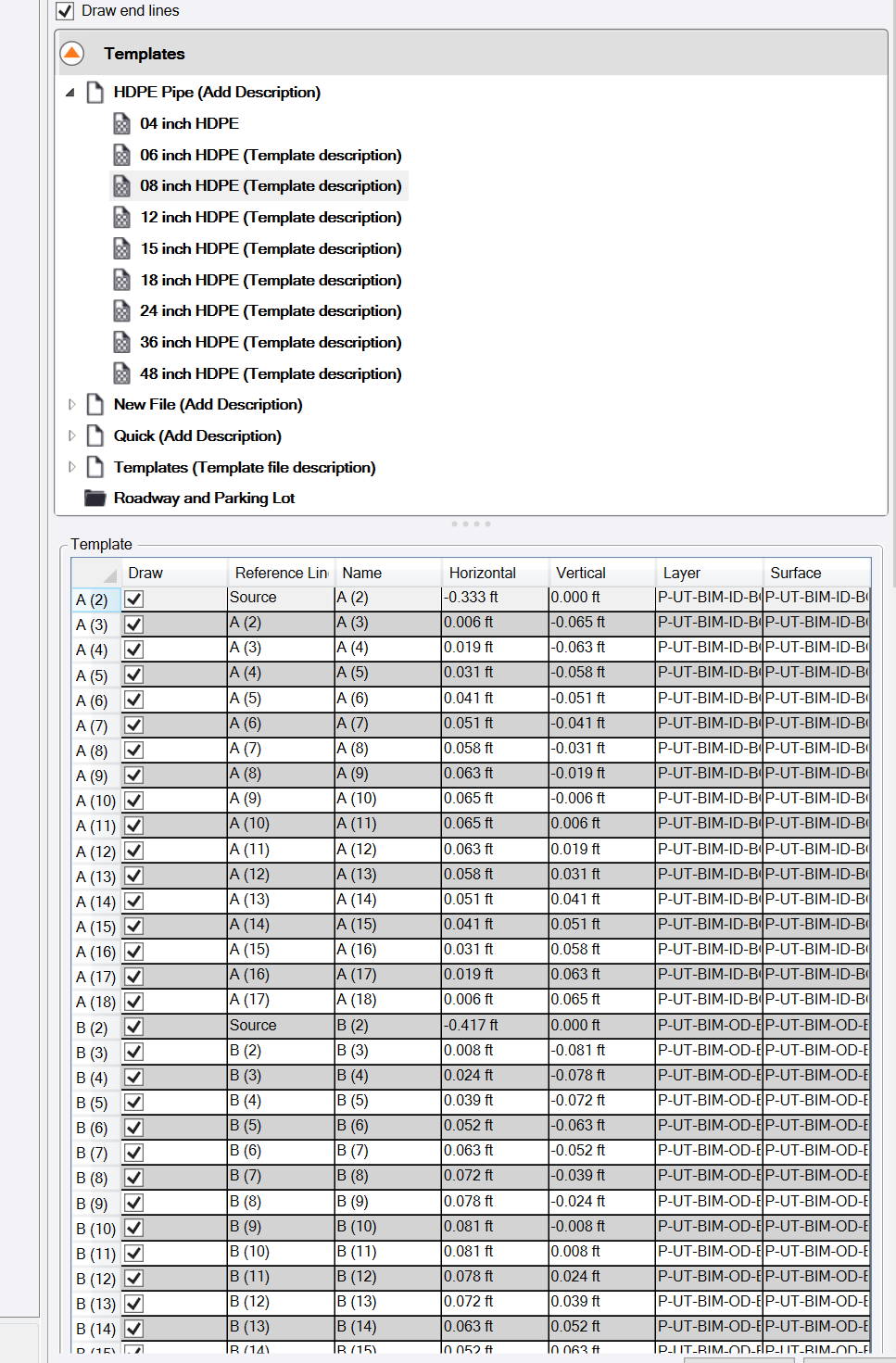
My work around for this is to create a cross section for each size of pipe. Making sure there is a top half and bottom half to the pipe. Next create an alignment for each pipe run. Then using the Digitize Cross Section command I create top and bottom cross sections. Once the cross sections are created at the begin and end stations then create a top surface and bottom surface. Now the pipe will show up in cross section views. If someone has an easier way I would be interested in the method.
There is a TML for that: Multi Offset Line
Takes some setting but works well. I created 4 surfaces, bottom-out, bottom-in, top-in, top-out
https://community.myrockpile.com/t/pipes-in-cross-sections/2184