Hallo
In older TBC versions it was no problem to delete unused layers.
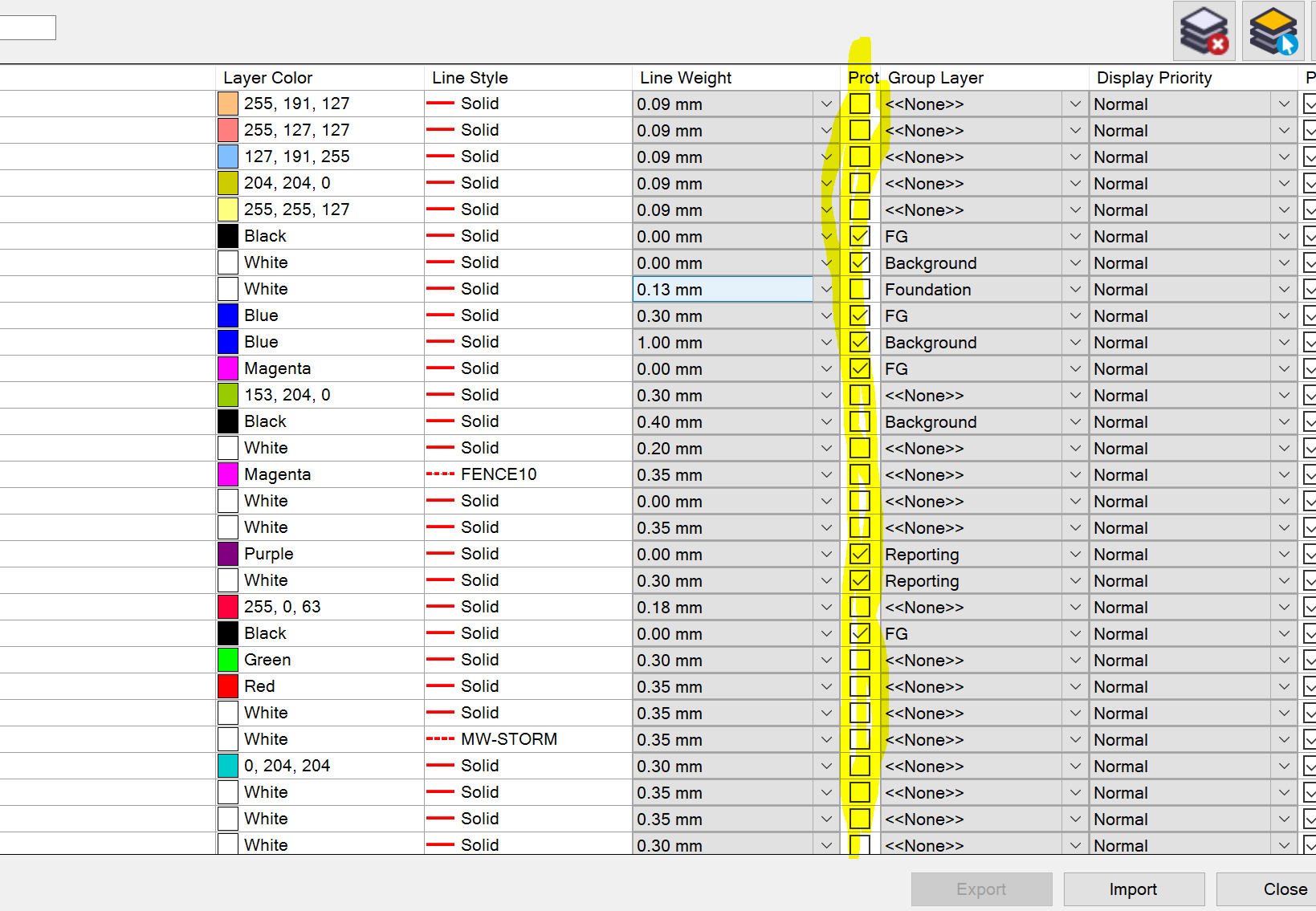
Now TBC denied to delete them, saying layers are used or protectet, even when they not.
Even in a new projekt whitout any data it is not possible.Please help.
With kind regards
Carsten
Look at your Layer Manager...
Are all the Layers checked Protect? If there is a check, they are protected.
Your tempate may have them as Protected.
Also, It may be that the Layers are part of a Block Reference and technically "used".
Hallo Tim
Thanks for Your reply.Non of the layers are protectet.I dont know what You mean with "technically used".The only thing connected to the project, is a Feature definition file.
so, somewhere there is an object hidden. Somewhere you accidently placed an object. Run through all the window, such a plan set and only have those layers turned on. then you can hit the CTRL+ A to select all the objects in the window. or you can do a Select by Layer. I have seen these multiple times with me or others.
Thanks Fracisco
I tryed Your suggestions. But I could not find anything and therefor could not delete anything.Even in a new fresh projekt, I am not able to delete unused layers.