Processing these baselines which are shown on your processing dialogue took about 1 minute with mostly default settings:
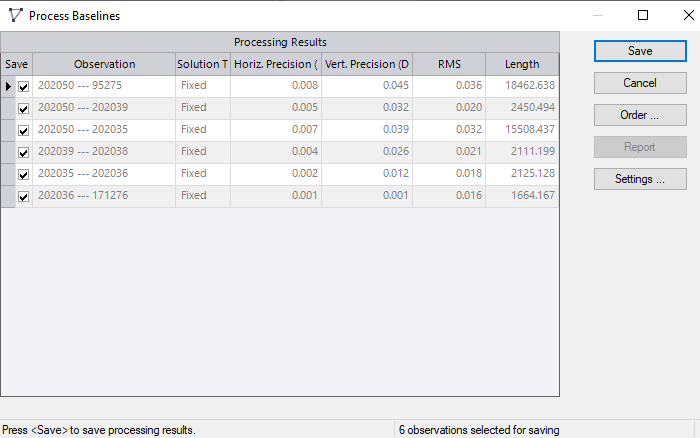
Some thoughts:
Make sure you are running the multi-thread baseline processor (enhancement of the year when it came out in HD GNSS). Looking for the setting I don't see it anymore so it must be hard-coded. You can check this by (while the processor is running) hitting CTL-Shift-ESC, click on "performance" and "CPU". The processor graph might bounce between them on the chart, but if you are using only 1 you should be able to tell. The image below is from when it was running the 6 that you show.
My utilization is only about 1/3 of the available processing power which is a little surprising. I'm pretty sure I've seen it use 100% in the past. I have been out of the static processing role for years, and my memory is cloudy about what to expect with this. I may be getting mobile trajectory and point cloud processing mixed up with this discussion.:
It looks like your logging interval is 15 seconds which is reasonable in general for static, and may be required depending on your standards, but it is overkill for baselines that are several hours, as they are in this case although again it might be required. The baseline processor can automatically down-sample the interval if you want. Try setting the processing interval to automatic if it isn't already and see if it improves. This will reduce each vector computation to the interval that is needed. Settings --> Baseline Processing --> Processing interval: Automatic
That is what I had to get it to process quickly. It down-sampled them down to either 3 or 4 minutes:
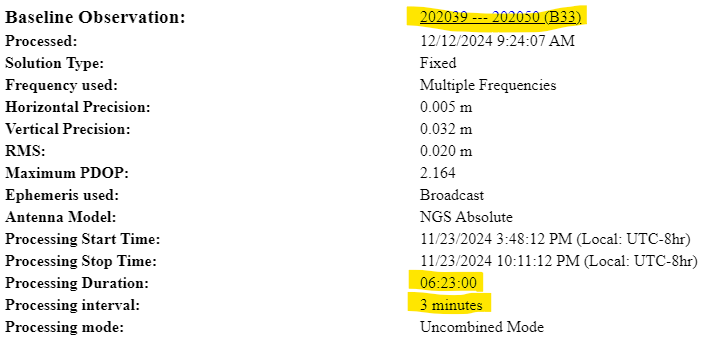
When I set the processing interval to 15 seconds, which it appears you have the file logging at, it took quite a while. All 6 took 2 hours. If you compare the estimated precisions below at (15 seconds), with those above (at automatic 3 - 4 minutes), you can see that there is a very moderate improvement in precision. You can decide whether it is worth it. One strategy might be to do your analysis with the interval set to automatic and doing it at a defined interval for the final vectors.
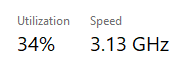
The first one finished in about 14 minutes

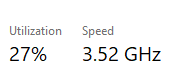
At which time the processor utilization dropped to about 27%:
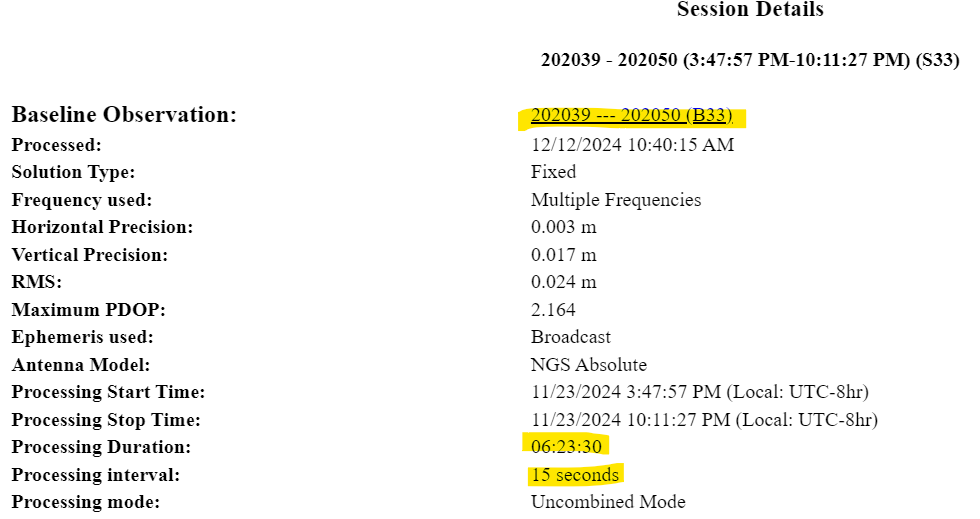
In summary, I suspect that you are processing nominally 6 hour baselines, with full GNSS (60+ satellites) at a 15 second interval. That will take a while.