Hello,
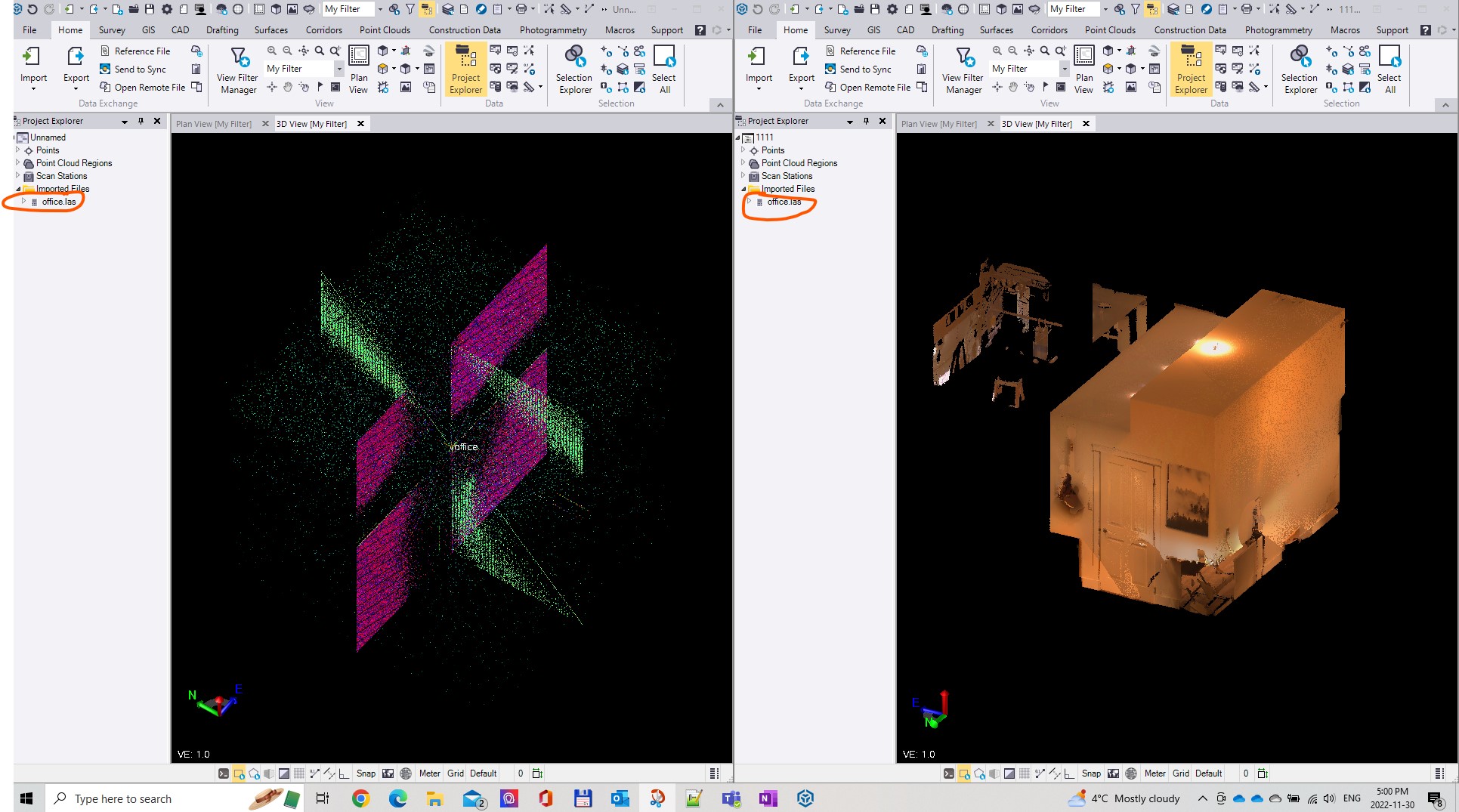
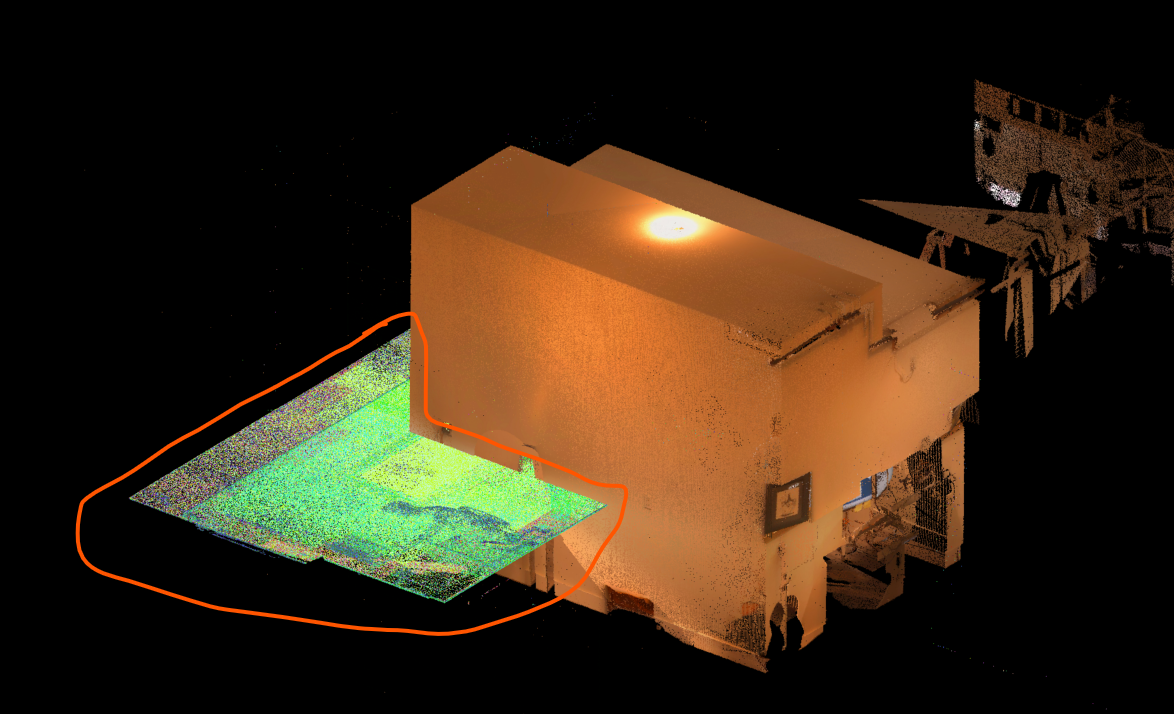
I am having issues with Importing point clouds into TBC. Often when importing a file it just crashes and closes without warning during the import. This happens with drag and drop and while using the import button. If I am able to import a file I get these strange relics in the data or just complete noise. This is a new problem that just popped up one day. I had no issues with points clouds a couple weeks ago.
I have completely uninstalled TBC and reinstalled the latest 5.8 and the issue persists. I have updated Trimble perspective on the scanner tablet with the latest software and still this is a problem. I have the latest drivers for my graphics card and everythign else about my computer seems to be fine.
Any ideas... Please let me know I am at my wits end.
Thanks,
SL
On the right is what it normally should look like loading in to TBC. On the left is the same file loading into my TBC.