Actually, I prefer exploring and following examples over the 'here are the methods and properties of X' approach. That's the only way you get the 'why' and you stumble across things you'd have never known were there.
Also, I agree with you - MVVM and WPF are where I am most comfortable.
Original Message:
Sent: 06-19-2025 15:12
From: Bryce Haire
Subject: Creating Selections Sets in code and updating the selection explorer
You are not the first to ask for proper documentation from an SDK standpoint.
I will continue to relay to the Product Team that there is a desire to build a proper SDK with documentation for consumers.
I've attached additional macros developed throughout the years that may be helpful to you, while acknowledging this does not provide you with the proper documentation you are seeking.
FYI, CreateCodeBasedUISample is yet another way for commands to be built within TBC and uses a functional approach to creating a command (it primarily is a wrapper of existing WPF controls). Personally, the MVVM approach is the way I prefer to develop, as it allows the most freedom to the dev, and is the most universal of approaches to IronPython development (WPF). Just my 2c.
I am fairly confident the CodeBasedUI approach is not compatible with the current state of Macro Development.
Hope this helps!
------------------------------
Bryce Haire
------------------------------
Original Message:
Sent: 06-19-2025 14:38
From: David Brubacher
Subject: Creating Selections Sets in code and updating the selection explorer
Yes, every day is an adventure with this API. I realize this is off topic for this thread, but I've been wondering how to use more and more of what is in the API. For instance, I'd like to create command panes in my C# code directly - probably need the Trimble.Vce.UiBaseCommands.CmdData object, but I bet it needs to go into a container and gets hooked up to some services. Likewise, I'm creating dialogs from <Window /> but I'd like to use whatever the Layer Manager Dialog uses - haven't figured that out yet. Then there's the UIViewForm I learned about today (wait. is this what LayerManger uses?), all your MVVM stuff (I'm rolling my own, which works but I may be missing out on stuff), CommandLine commands and last but certainly not least, how to do async work and the ProgressDialog<T>.AsyncTask object. I could go on and on...
Also, what is the Trimble.Sdk.UI.Commands.UICommands.CreateCodeBasedUISample? My guess is it's a sample for new Trimble Devs to get up to speed with. If so, it would help the user community immensely. I'd like to eventually be creating first class add-ins that aren't reliant on the macro subsystem.
------------------------------
David Brubacher
Original Message:
Sent: 06-19-2025 12:10
From: Bryce Haire
Subject: Creating Selections Sets in code and updating the selection explorer
Perfect. Glad to help.
Some entities are expected to go into specific collections (in this case, UserSelection -> SelectionSetCollection).
Check out the other types in MandatoryContainers if you get funky/unexpected behavior and see if there is one that sounds right lol
------------------------------
Bryce Haire
Original Message:
Sent: 06-19-2025 12:03
From: David Brubacher
Subject: Creating Selections Sets in code and updating the selection explorer
Thanks for the reply, Bryce.
That cleared it up. I had to make a few changes, so I am not sure what did it, but I suspect it was because I acquired the selection set collection via the ISnapIn collection on Project, instead of using GetMemberContainer.
Since I didn't know GetMemberContainer existed, you've been doubly helpful.
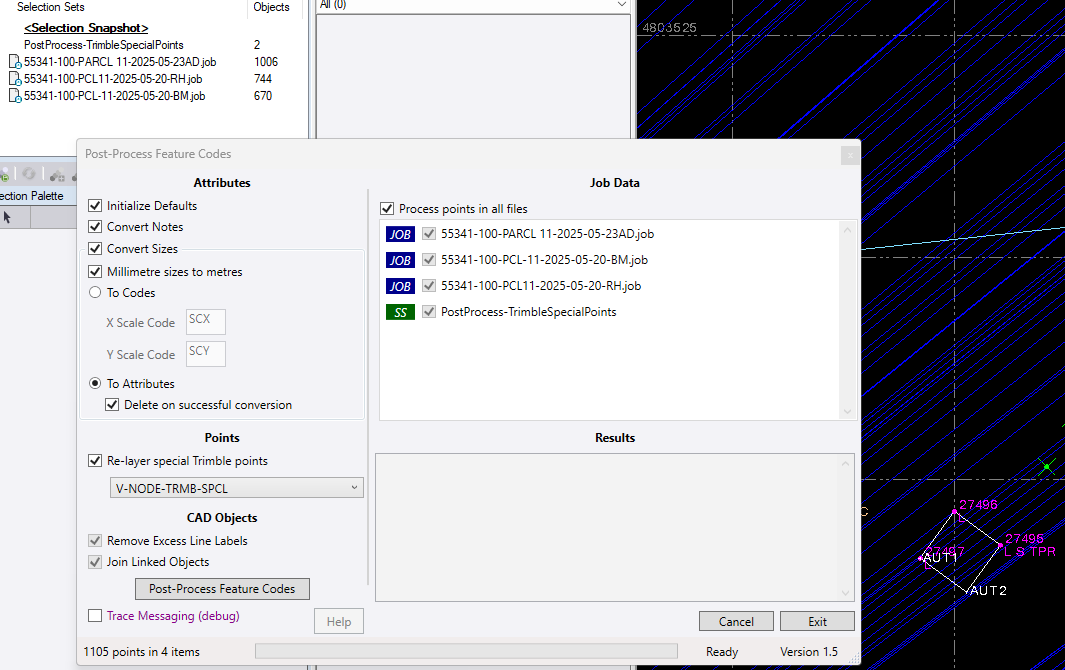
The selection set below appeared just before the dialog opened and it appears as an item to process, just as I wanted.
------------------------------
David Brubacher
Original Message:
Sent: 06-19-2025 09:33
From: Bryce Haire
Subject: Creating Selections Sets in code and updating the selection explorer
Hi David,
Trying to understand your issue.
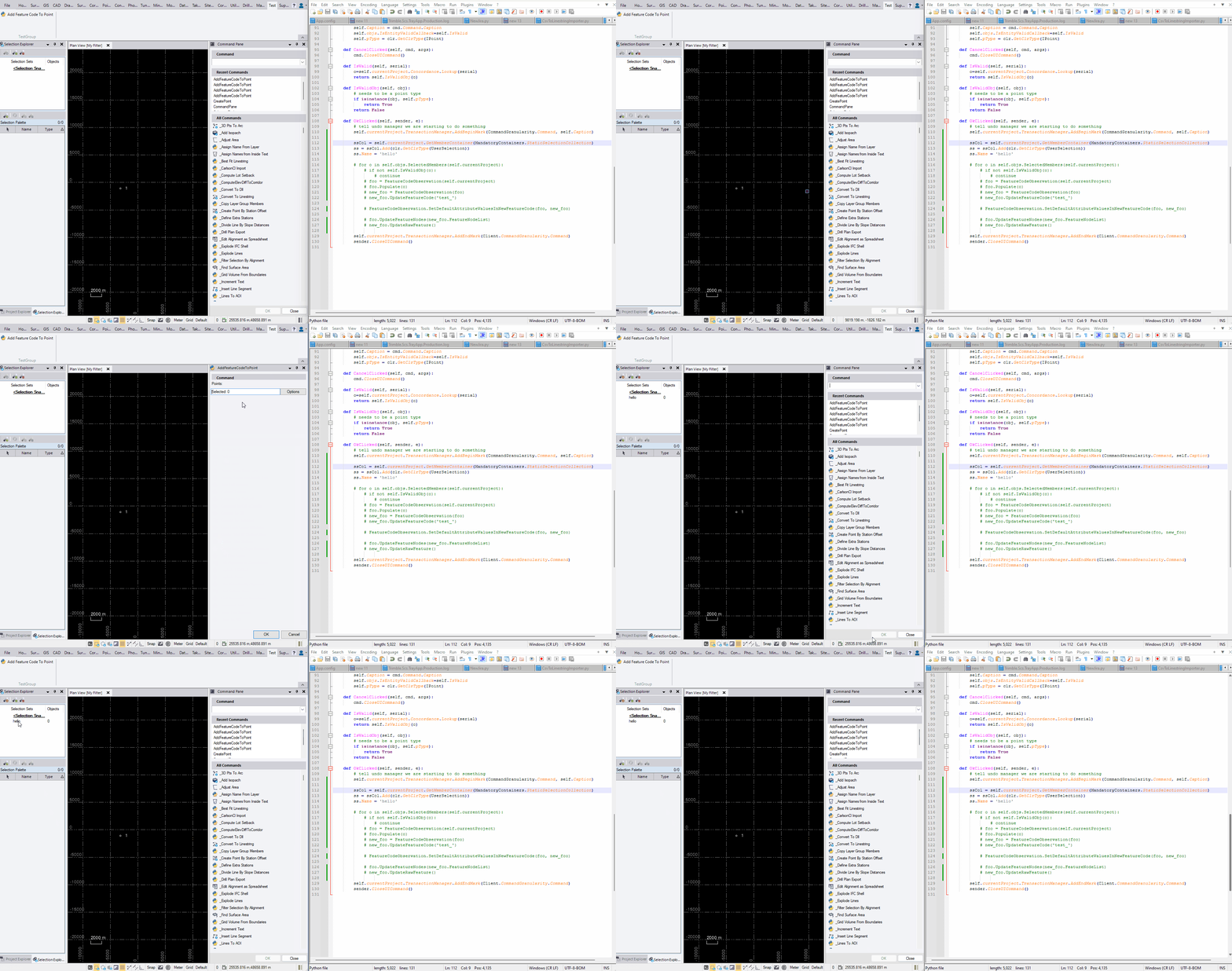
When I execute a cmd that adds a user selection to the StaticSelectionCollection, I see the selection set explorer update.
ssCol = self.currentProject.GetMemberContainer(MandatoryContainers.StaticSelectionCollection)ss = ssCol.Add(clr.GetClrType(UserSelection))ss.Name = 'hello'
Attached GIF with behavior.
------------------------------
Bryce Haire