I tried several times to add more images to explain what I tried but the post is not uploaded, so trying now with only text.
I was playing with some other higher res images and the first zoom does not show too much, and you need to get very close to the pixels in order to see something.
Could you please advise on additional advanced ways to handle this in a better way?
Original Message:
Sent: 02-06-2026 13:05
From: Fernando Calvo
Subject: questions regarding OverlayBag for showing WMTS tiles
Hi Arturas,
thanks a lot for the info and code. I adjusted it to my IronPython code and it works great:
wv = self.currentProject[Project.FixedSerial.WorldView]
image = wv.Add(clr.GetClrType(RasterImage))
image.Origin = Point3D(10,10,10)
image.ImageFile = "C:\TestImage.png"
image.ImageWidth = 384
image.ImageHeight = 216
Regards,
Fernando
------------------------------
Fernando Calvo
calvo@calvo-geospatial.com
------------------------------
Original Message:
Sent: 02-06-2026 12:24
From: Arturas Grigorjevas
Subject: questions regarding OverlayBag for showing WMTS tiles
Hi Ronny,
Here's a very quick way to add images onto the screen:
Images which are drawn this way will be rendered behind every other object in the Plan View:
This does create real entities within the project, so you'd need to keep track of these images (or their serial numbers) and remove them from the project once they are no longer needed. Also, images created this way will be drawn using our internal tiling/pyramid logic - they will be rendered at a lower resolution if you zoom out and will increase in resolution the closer you zoom in.
This method requires the least amount of code, but there are several other ways of doing this with varying degrees of complexity and flexibility. Let me know if this doesn't produce the visuals you want to see.
------------------------------
Arturas Grigorjevas
Original Message:
Sent: 02-01-2026 17:15
From: Ronny Schneider
Subject: questions regarding OverlayBag for showing WMTS tiles
Hello Arturas,
it's been a few weeks now that I last looked into this. Will try to piece together what I tried back then.
Preferably I don't want to use the Overlaybag. I suspected as much, that it's meant to always draw on top of things. It was just a work around to somehow draw the tiles on the screen.
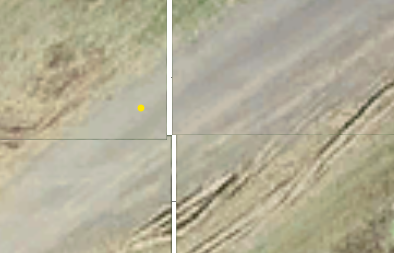
They don't line up particularly well anyway, even though I compute bottom right and top left grid coordinates from the tile numbers. Horizontal gap and vertical overlap.
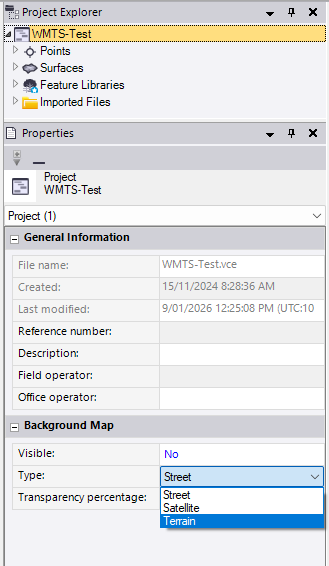
Preferably I'd want to add a custom map to the project background maps.
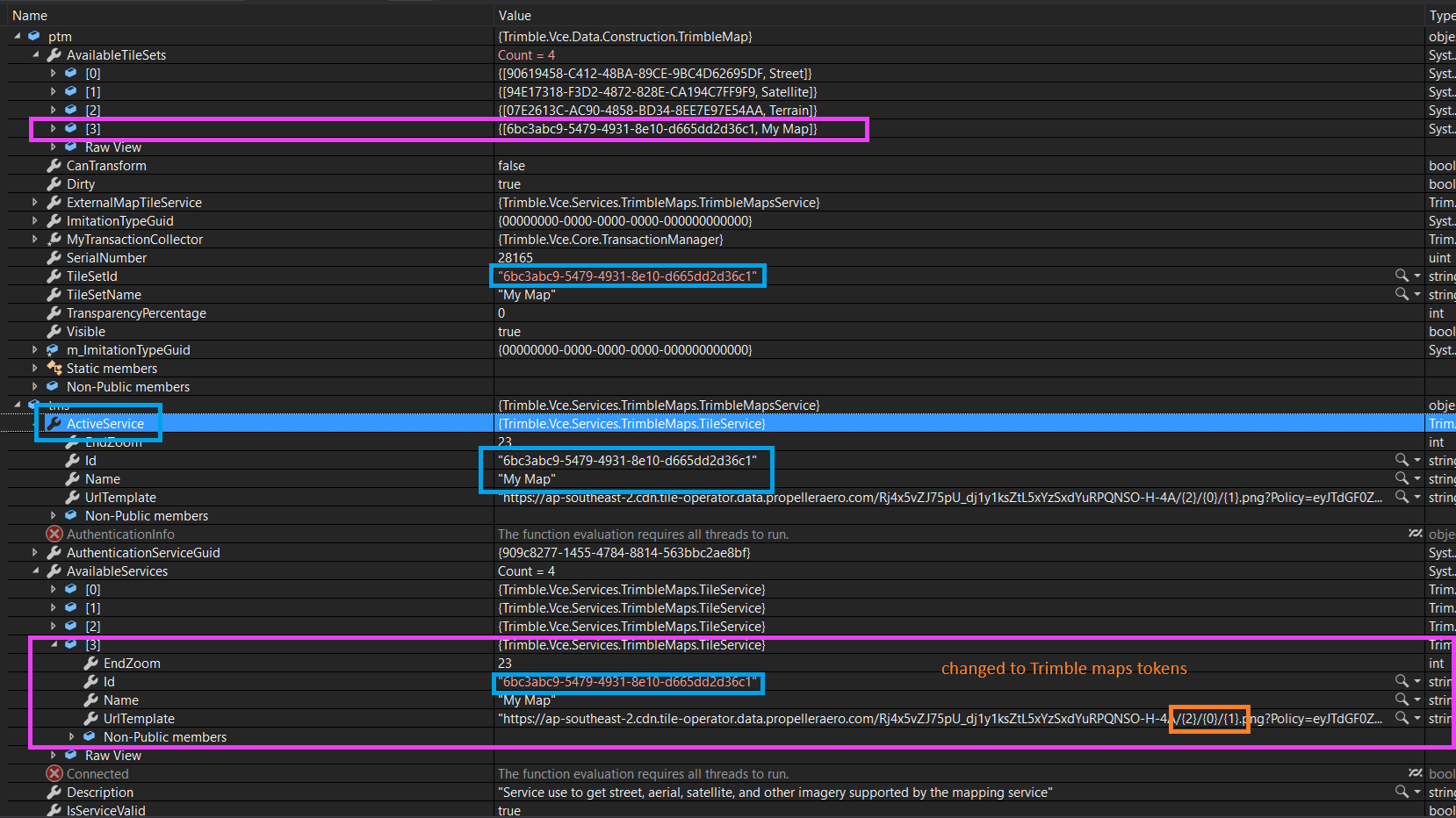
I'm able to add my URL to the list of Trimble Maps Tilesets and set it as active, but it isn't used.
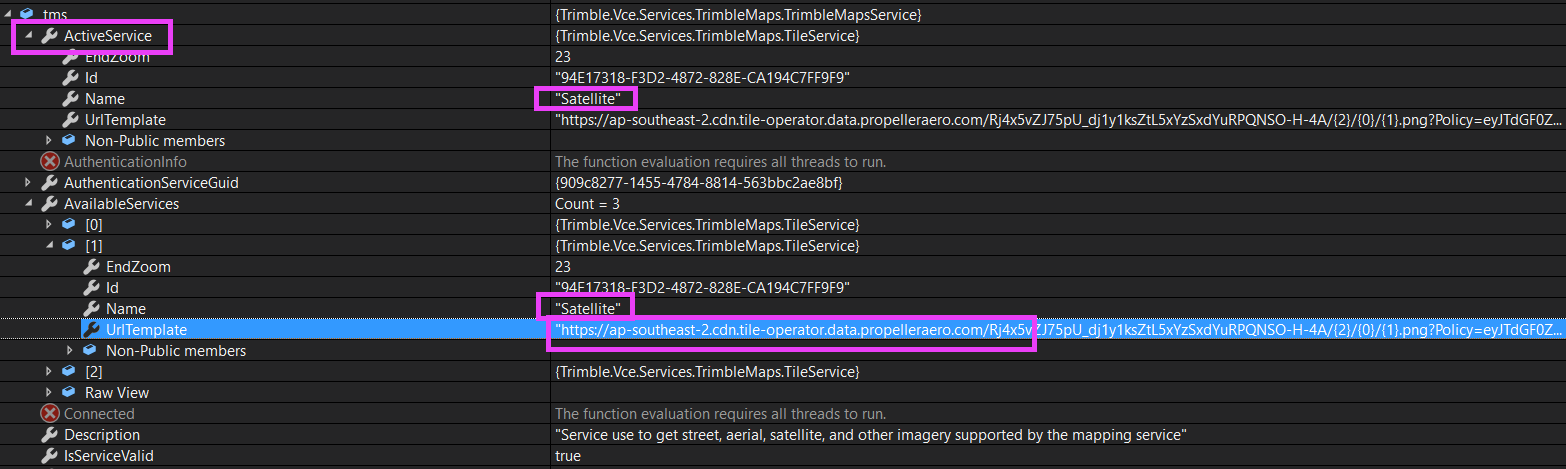
Even tricking it by overwriting one of the existing URLs doesn't work. They are not being used and somehow overwritten immediately.
I just don't have more time currently to look into this.
We shouldn't have to in the first place.
You guys need to get a grip on fixing bugs and implement user requests. I've got a list of approximately 40 unactioned items.
I shouldn't have to write dozens of macros myself and ANZToolbox and Rockpile shouldn't have a business model. At least not when it comes to absolute basics. Country specific tools, ok. But not things like explode linestring, a decent plan view rotate, slope/slope intersect, find and replace ......, creating even the simplest IFC objects. Where are our maintenance fees disappearing to?
------------------------------
Ronny Schneider
Original Message:
Sent: 01-30-2026 14:59
From: Arturas Grigorjevas
Subject: questions regarding OverlayBag for showing WMTS tiles
Hi Ronny,
There's several ways to control the visual depth of images and see the result you want. However, the OverlayBag (the Hoops one, specifically) does not support this capability - it was explicitly designed to draw on top of all other visuals and to not try and figure out which parts of the overlay are supposed to be in front of which other parts of that same overlay.
Are you able to access and utilize all of the publicly available classes/methods in the code base? Maybe I can try to share a way to achieve the desired visual effect in another way, without using the Overlay.
Also - are you able to share the part of your code which inserts the images into the view? We could try and see if there's a convenient way to wire the depth control capability into the overlay.
------------------------------
Arturas Grigorjevas